Apps of the Day
Apple Best New Apps
Product Hunt #1
by the same developer


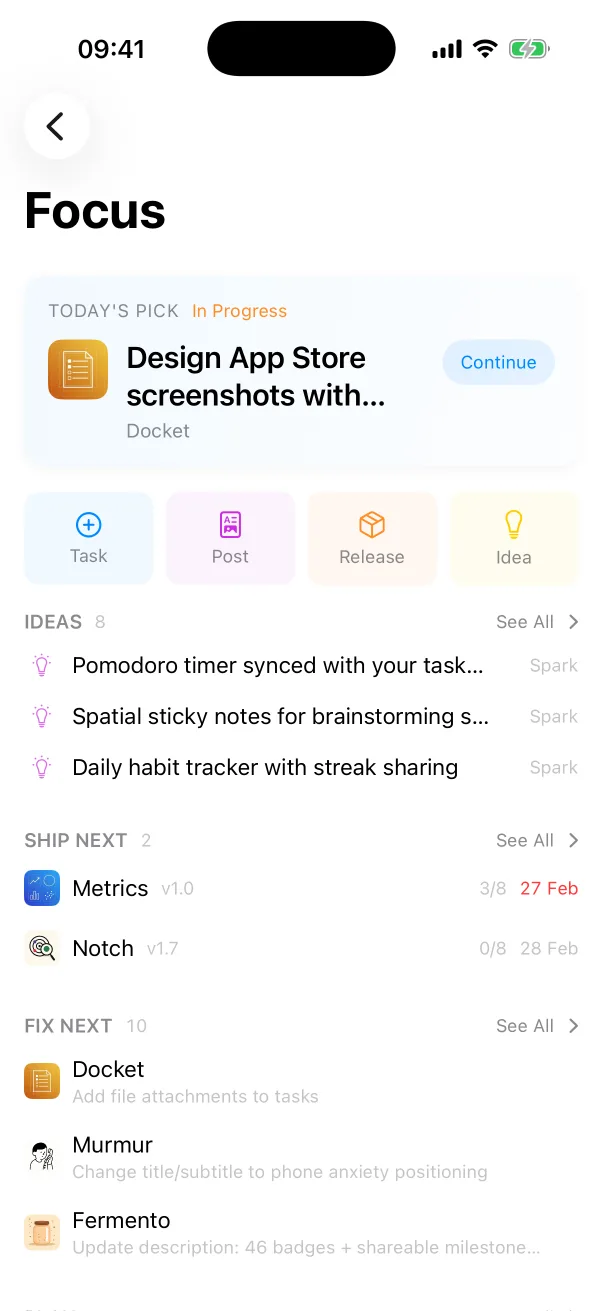
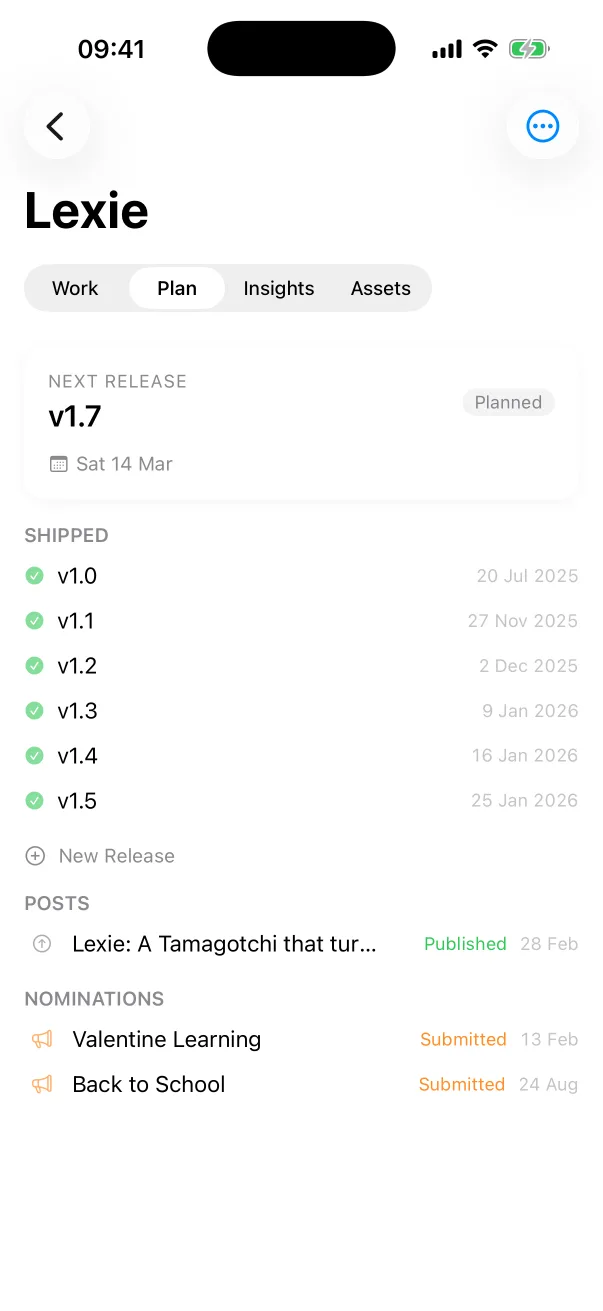
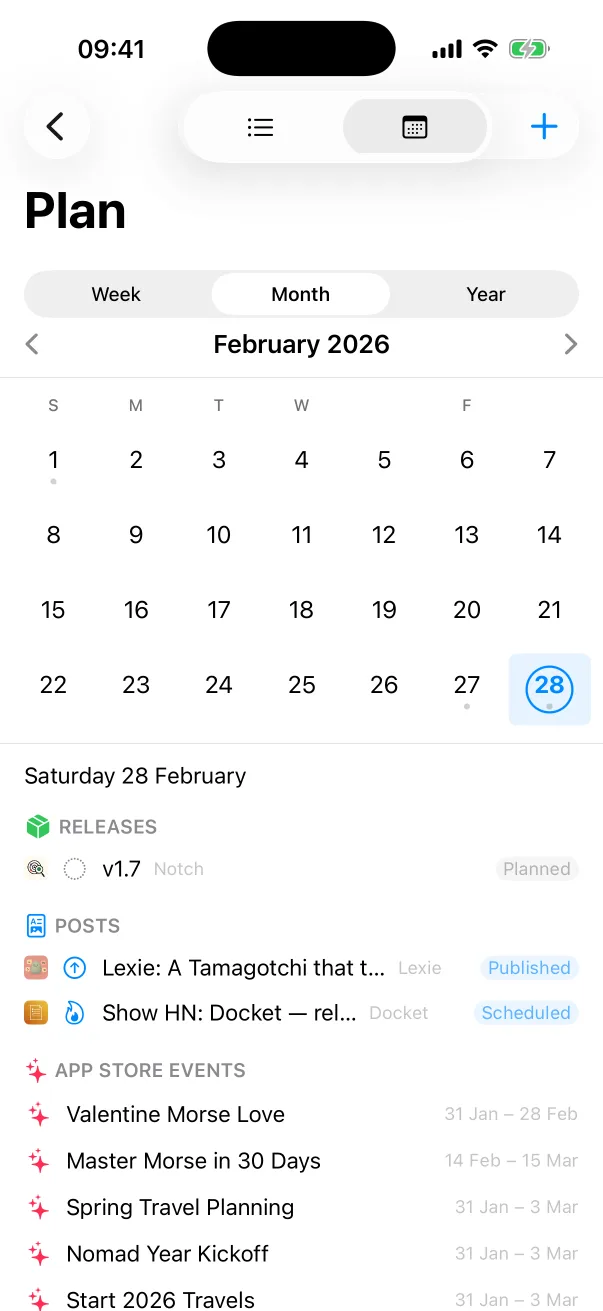
Docket
Tasks, releases and launches for every app you ship.

 One Dev Shop
- indie starter pack by Vadim Drobinin
 PitlaneXcode replacement for indie developers
Paste the output of a build and get every error and warning with its file and line. The log stays in your browser.
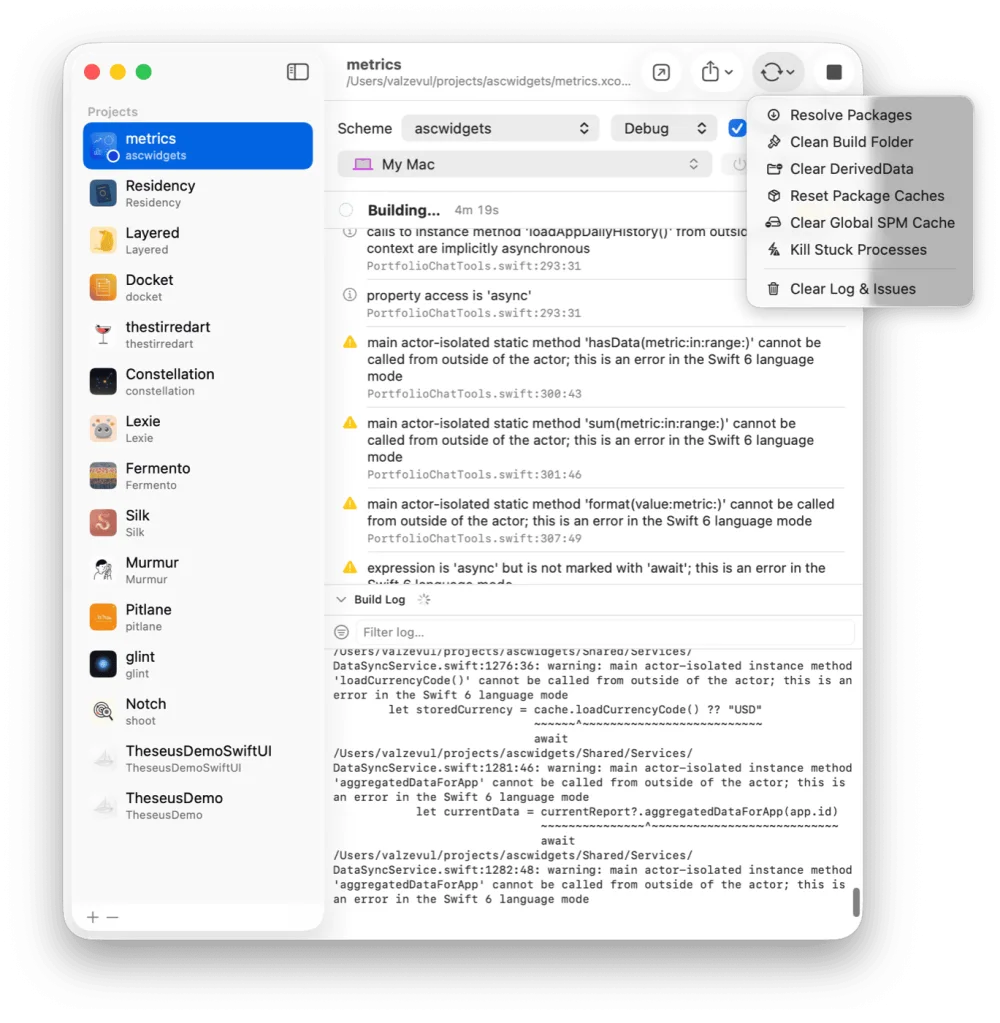
The example below is already parsed. Paste your own log over it.
Pitlane does this while the build streams. Click an error and Xcode opens at that line.
Download for macOS (v1.1.1)xcodebuild prints every step of the build: each compile command, each copy, each signing step. The lines you need are a handful among hundreds, and the same warning is often printed more than once.
Pitlane parses the output as it streams. Errors and warnings arrive as a list with the file and line, and a click opens Xcode at that line. An AI agent reads the same list over Pitlane's local API. The full log stays one click away.
Pass -quiet. The xcodebuild manual describes it as printing nothing except warnings and errors. The output is still plain text, so a list with files and lines needs parsing. This page does that, and Pitlane does it while the build streams.
No. The page reads the log in your browser and sends nothing anywhere.
Lines in the compiler's file, line and column format, and general error and warning lines such as a failed command or a linker error. Repeated lines are listed once.
Pitlane
$29 once. One license covers two Macs.
Tasks, releases and launches for every app you ship.
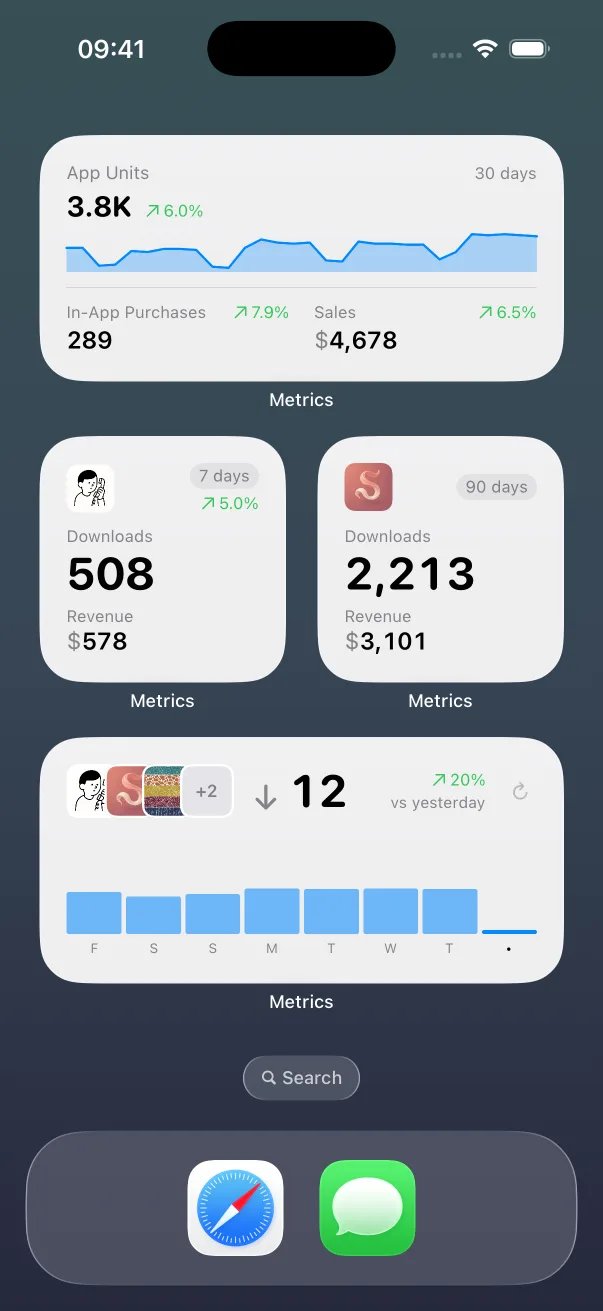
App Store numbers on your Home Screen and Lock Screen.

The Liquid Glass experience on every iOS version, back to iOS 13.
Guides: How to clear Xcode's DerivedData Build and run an iOS app from the command line All guides
Pitlane compared: Xcode alternatives Pitlane vs XcodeBuildMCP Pitlane vs SweetPad All comparisons