Apps of the Day
Apple Best New Apps
Product Hunt #1
by the same developer


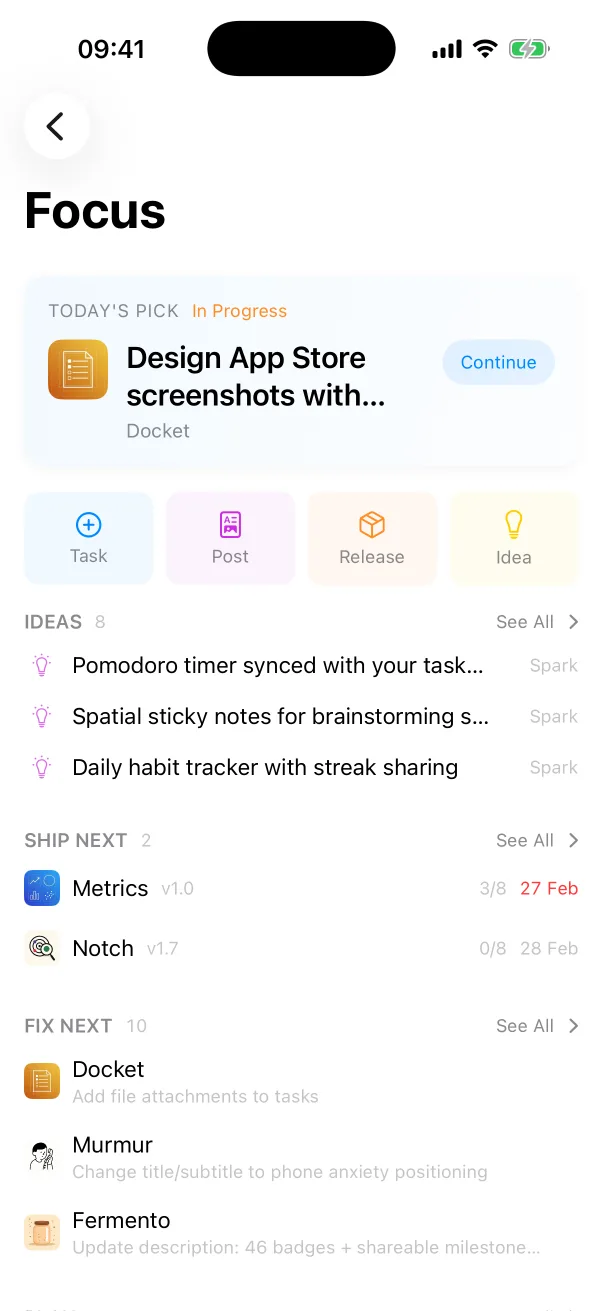
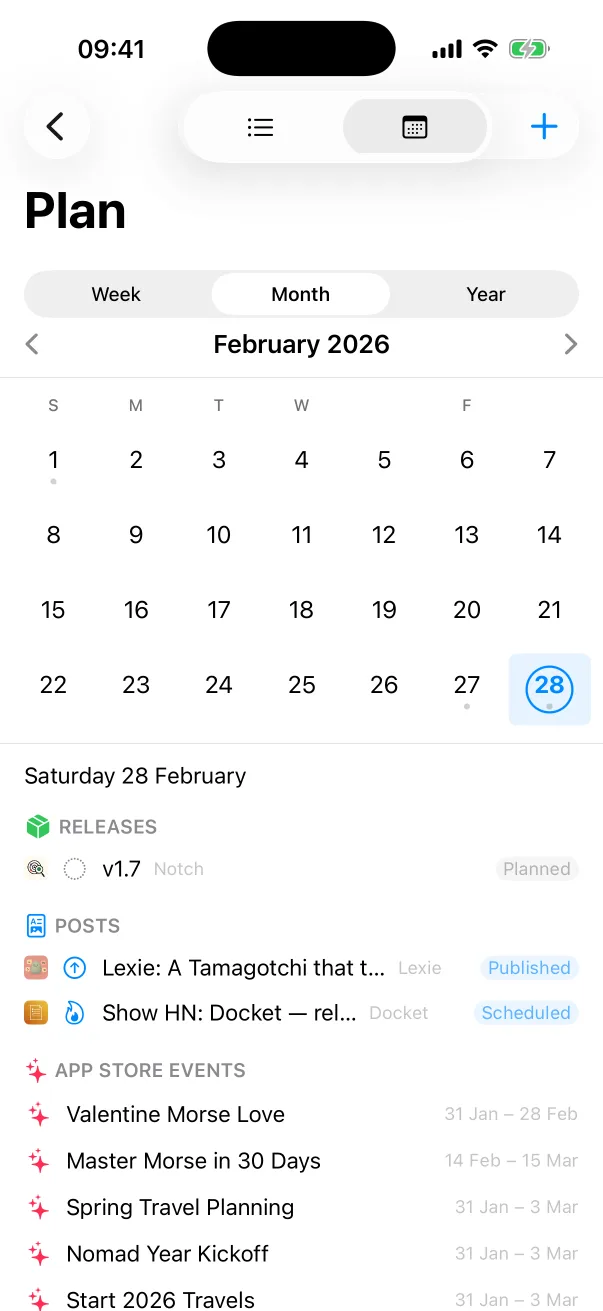
Docket
Tasks, releases and launches for every app you ship.

 One Dev Shop
- indie starter pack by Vadim Drobinin
 PitlaneXcode replacement for indie developers
Where it lives, three ways to clear it, and what to try when that is not enough.
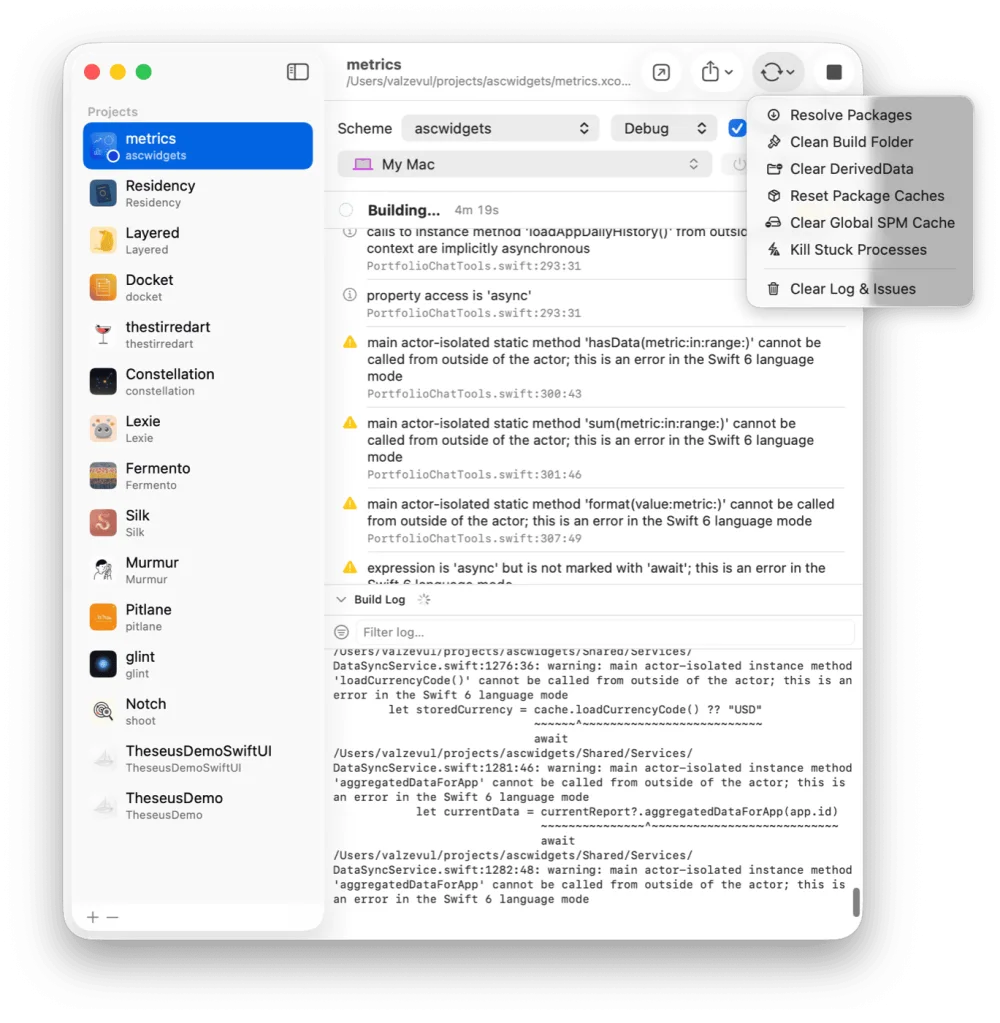
Xcode keeps the build products, indexes and logs for every project in one folder: ~/Library/Developer/Xcode/DerivedData. Each project gets a subfolder named after it, with a random suffix.
Deleting it is safe. Xcode builds it again, and the next build takes longer because nothing is cached.
List the folder, then remove the one that belongs to your project.
ls ~/Library/Developer/Xcode/DerivedData
rm -rf ~/Library/Developer/Xcode/DerivedData/MyApp-*
rm -rf ~/Library/Developer/Xcode/DerivedData
In Xcode, choose Product, then Clean Build Folder, or press Shift-Command-K. From Terminal, the clean action removes build products and intermediate files.
xcodebuild -scheme MyApp clean
Stale Swift packages cause the same symptoms, and they live elsewhere. SwiftPM keeps a global cache in ~/Library/Caches/org.swift.swiftpm, apart from DerivedData.
Pitlane has a reset ladder. Each rung throws away more than the one before, so you start with the cheapest fix.
It tells you what it cleared.
In your home folder, at ~/Library/Developer/Xcode/DerivedData. Each project has its own subfolder, named after the project with a random suffix.
Yes. It holds build products, indexes and logs, and Xcode builds them again. The next build takes longer because nothing is cached.
Delete the folder from Terminal with rm -rf ~/Library/Developer/Xcode/DerivedData, or delete only your project's subfolder. Pitlane does it from a menu, for one project at a time.
Pitlane
$29 once. One license covers two Macs.
Tasks, releases and launches for every app you ship.
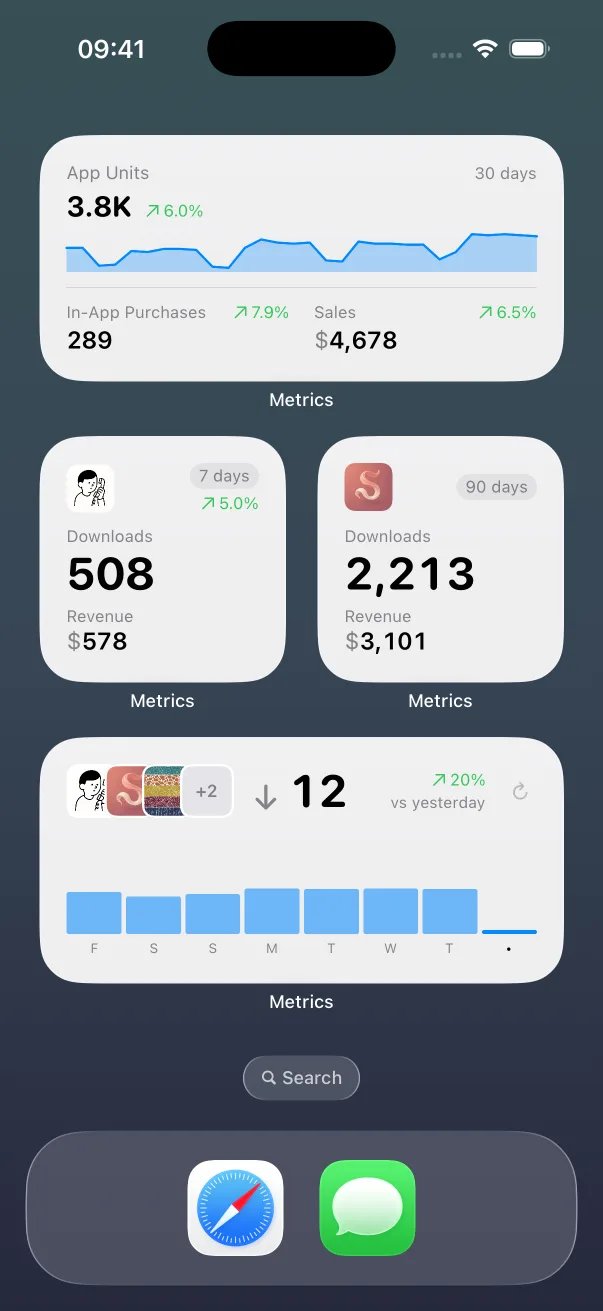
App Store numbers on your Home Screen and Lock Screen.

The Liquid Glass experience on every iOS version, back to iOS 13.
Guides: How to clear Xcode's DerivedData Build and run an iOS app from the command line All guides
Pitlane compared: Xcode alternatives Pitlane vs XcodeBuildMCP Pitlane vs SweetPad All comparisons