One Dev Shop For AI agents
Tools your agents can drive
A solo developer with an AI agent is a team of two. These tools give the second one something to hold.
- Pitlane: local HTTP API
- Docket: MCP server
- Docket: CLI
Build and run, without the Xcode window
While Pitlane runs, it serves a small HTTP API on 127.0.0.1, loopback only. These are the same actions as the buttons, license gate included. One switch in Settings turns the API off.
GET  /status                            host RAM, every simulator with its memory, every project with its build state
GET  /projects/{name}                   one project, with every parsed error and warning
GET  /projects/{name}/log               tail of the last build/run log (plain text)
POST /projects/{name}/build             build; optional JSON body {"destination": "iPhone 17 Pro" | udid | "mac"}
POST /projects/{name}/run               build & run; add ?wait=true to return once it is running or has failed
POST /projects/{name}/stop              stop the build, or the running app
POST /projects/{name}/reduce-memory     switch off background services the apps on that simulator do not need
POST /projects/{name}/restore-services  switch them back on
{name} is the project's name, case-insensitive, or its id. Builds need a Pitlane license or a trial.
Read and update the backlog
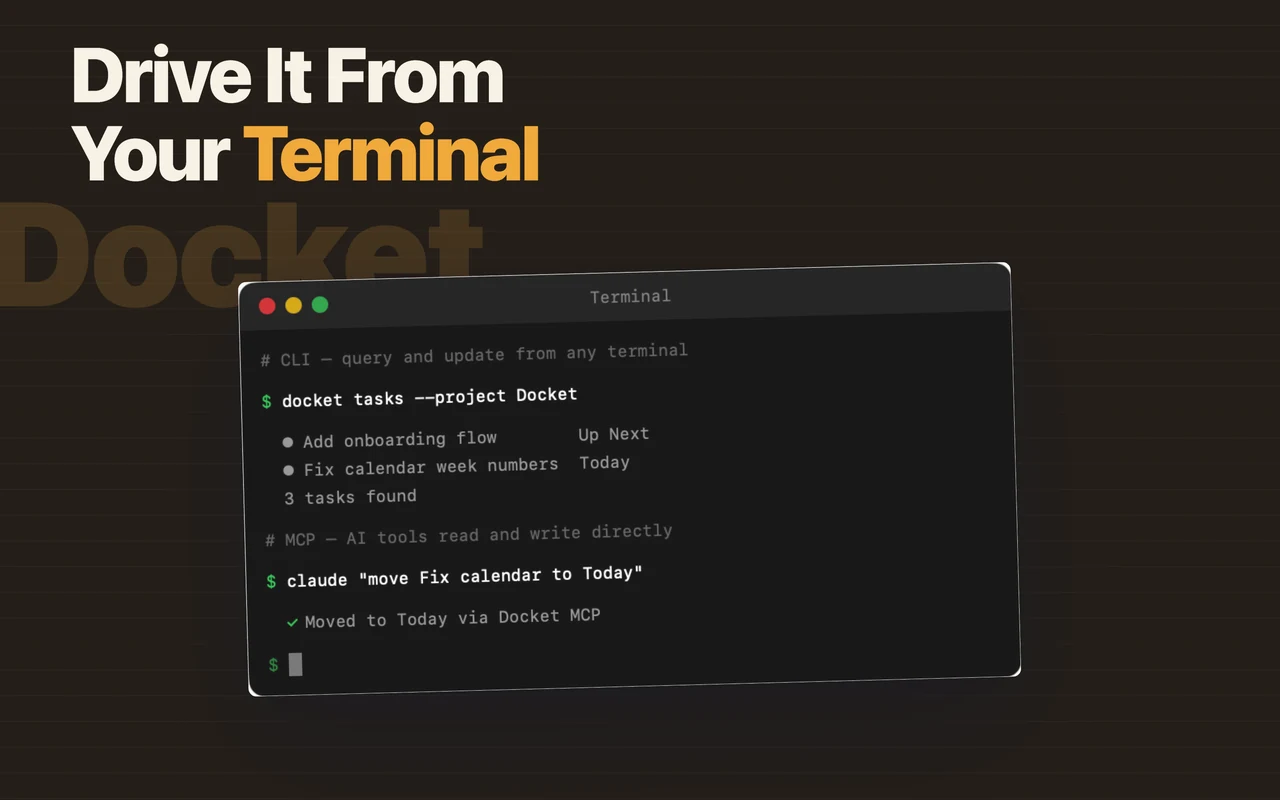
Docket includes an MCP server and a CLI, both part of Pro. An agent such as Claude Code or Cursor can read tasks, update their status and check build state through MCP. The CLI gives scripted access from the terminal, which is useful in git hooks and CI scripts.
$ docket cli dashboard                 # summary of projects, tasks, releases
$ docket cli tasks --flagged --overdue
$ docket cli create-task "Fix the onboarding crash" --flagged
$ docket cli complete-task <UUID or prefix>
$ docket cli create-release "2.1"
$ docket cli releases --json          # raw JSON for scripts
Why it matters for one-person teams
Jira, Trello and Linear are built for teams of engineers. A solo developer's teammate is more often an agent. It needs to know what to work on, a way to build what it wrote, and somewhere to report back. Docket and Pitlane cover those.