Apps of the Day
Apple Best New Apps
Product Hunt #1
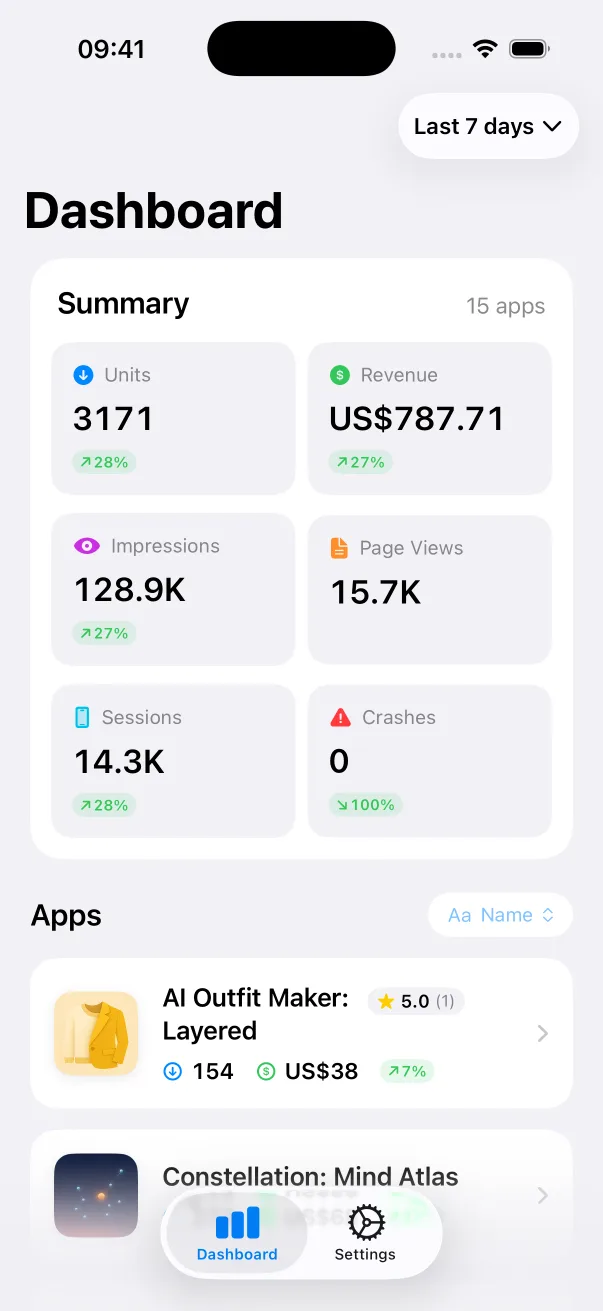
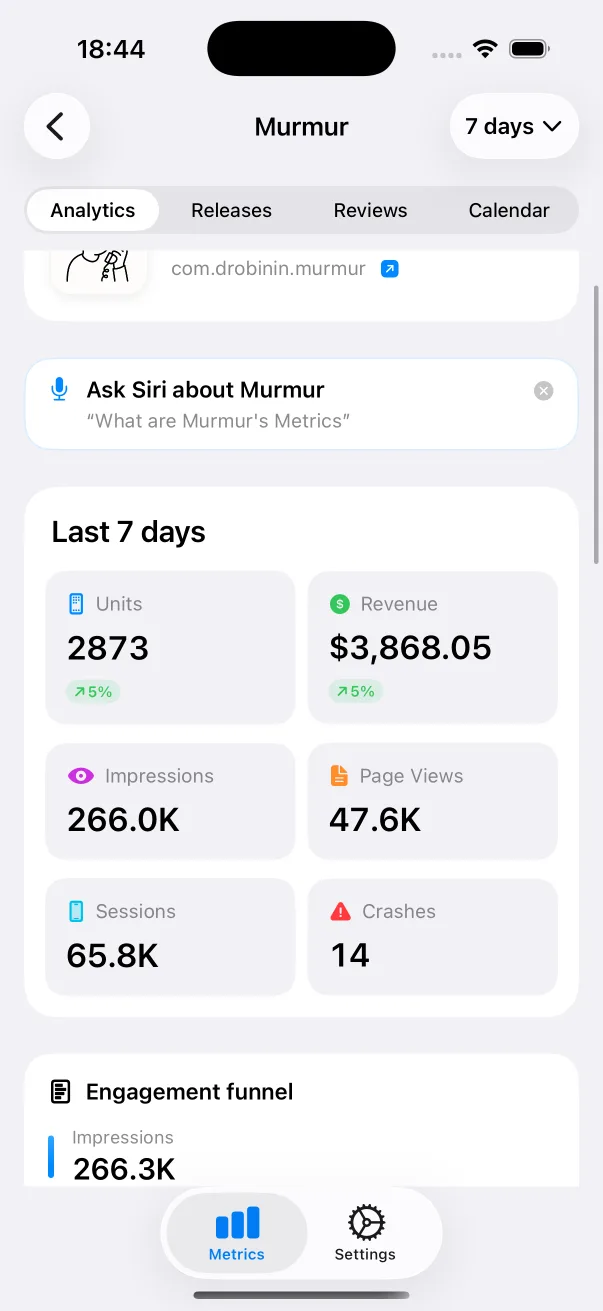
by the same developer


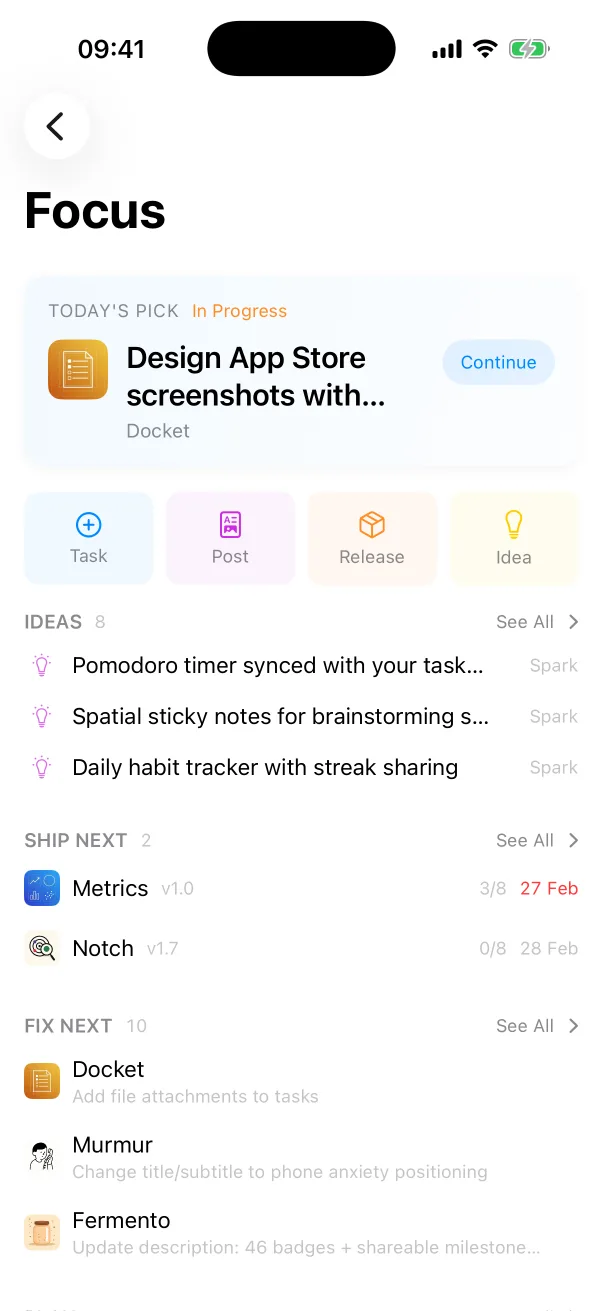
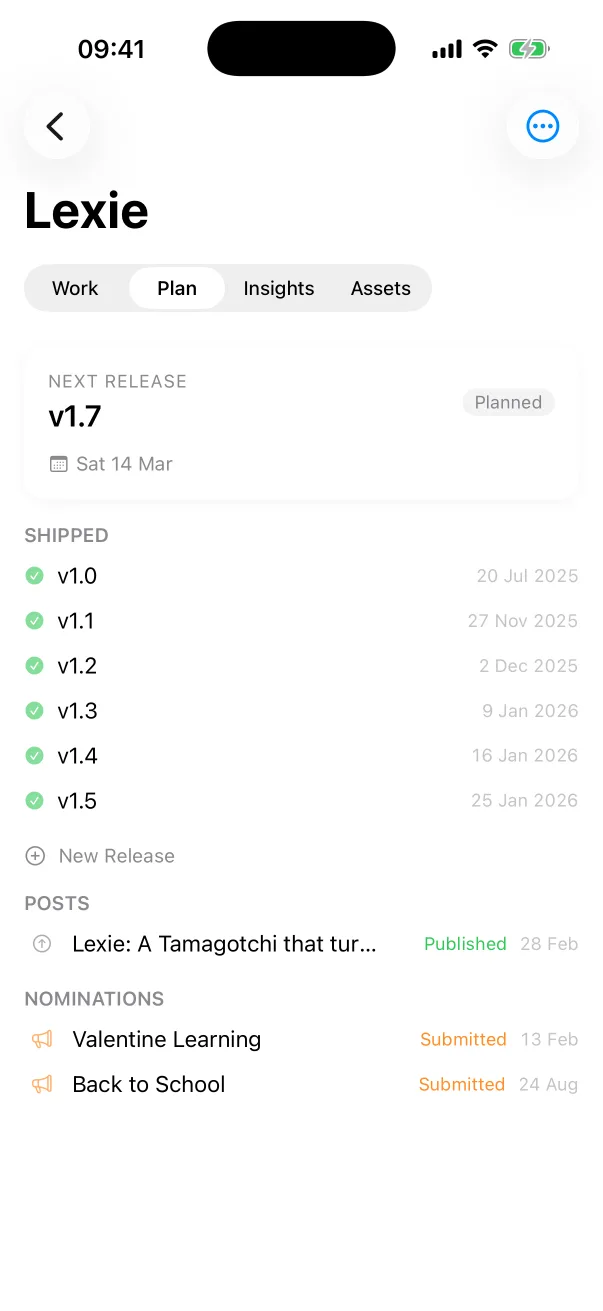
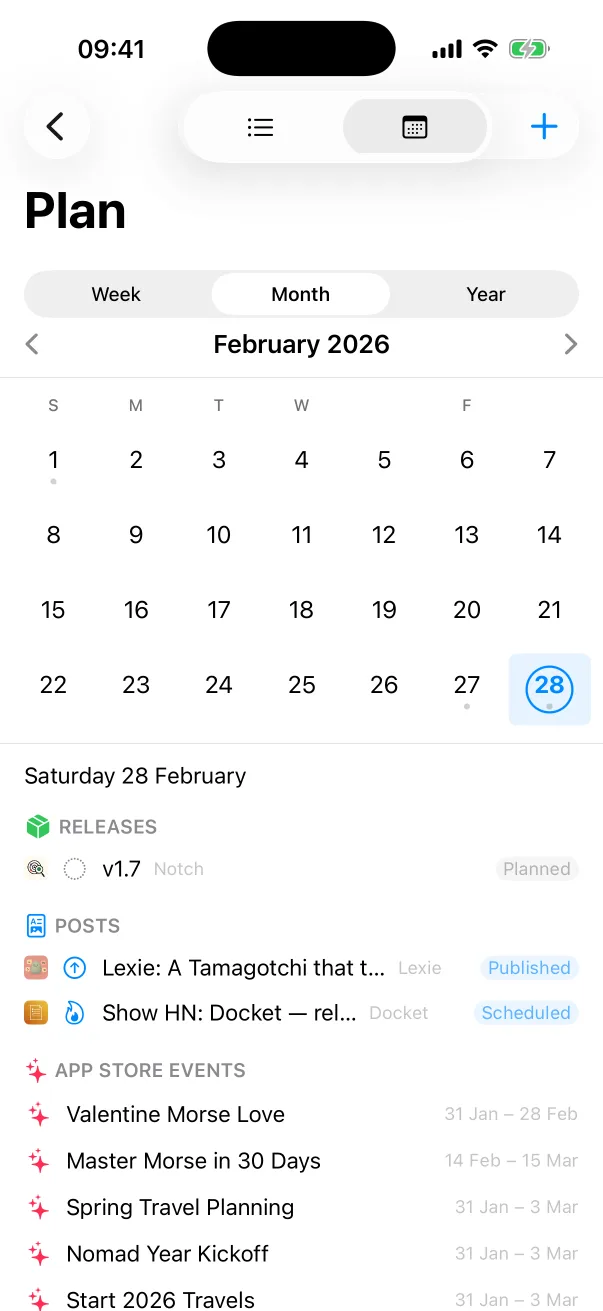
Docket
Tasks, releases and launches for every app you ship.

 One Dev Shop
- indie starter pack by Vadim Drobinin
 PitlaneXcode replacement for indie developers
A fresh simulator boots about 170 background services before your app starts. Pitlane switches off the ones your app never calls.
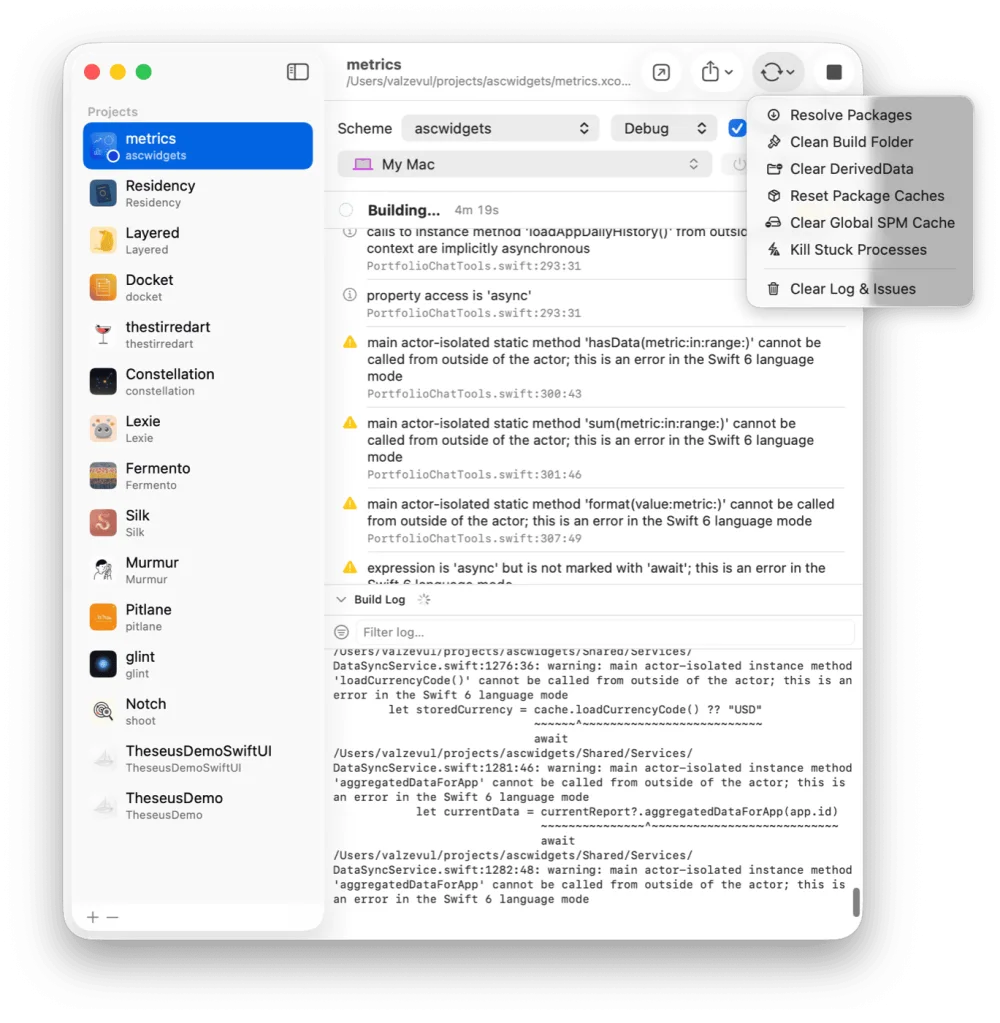
Measured on a fresh iOS 26.5 simulator, right after boot: 217 processes and 23 GB became 67 processes and 5.8 GB. On another boot, 183 processes and 19 GB became 76 and 7.9 GB. Between a half and a quarter survives, depending on the run.
A simulator is a whole iPhone's worth of services running on your Mac: Siri, Spotlight, News, photo analysis, iCloud sync, Screen Time. They start with every boot, whether or not your app ever calls them. Boot three simulators and you pay for all of it three times.
Reduce Simulator Memory sits in the menu next to the simulator picker. It disables those services inside that one simulator and restarts it. The change is saved in the simulator, so it sticks across reboots.
Your Mac's own services are never touched. Only a fixed list of services is eligible, and the core that draws the Home Screen and runs your app is left alone.
Anything your app declares. After each run Pitlane reads the project's entitlements, the built Info.plist and its app extensions, and keeps the services they imply: push notifications, universal links, widgets and Live Activities, HealthKit, HomeKit, iCloud, photos, contacts, calendars and Siri.
StoreKit leaves no trace in those files, so the App Store services are kept by default. Settings holds the keep-list.
The sidebar lists every booted simulator with its process count and its real memory footprint, the figure Activity Monitor shows, plus the total against your Mac's RAM. It refreshes every ten seconds.
Switch on Reduce simulator memory before Build & Run and new simulators start light. The first run of a project costs one extra simulator restart. Later runs cost nothing.
Restore Background Services returns a simulator to stock, and so does erasing it. The reduction needs an iOS 18 or newer runtime.
Switch off the background services your app never calls. Reduce Simulator Memory in Pitlane does it for one simulator at a time: Siri, Spotlight, News, photo analysis and iCloud sync stop, and the simulator ends up two to four times smaller in memory.
Yes. Pitlane reads the project's entitlements, the built Info.plist and its app extensions after each run, and keeps the services they imply, from push to widgets to HealthKit.
That is what the reduction is for. Reduced simulators fit several at once, and the sidebar shows each one's footprint and the total against your RAM, so you can see what fits.
It needs an iOS 18 or newer runtime. Older runtimes accept the change and forget it on reboot.
Restore Background Services puts a simulator back to stock. Erasing the simulator does the same.
Pitlane
$29 once. One license covers two Macs.
Tasks, releases and launches for every app you ship.
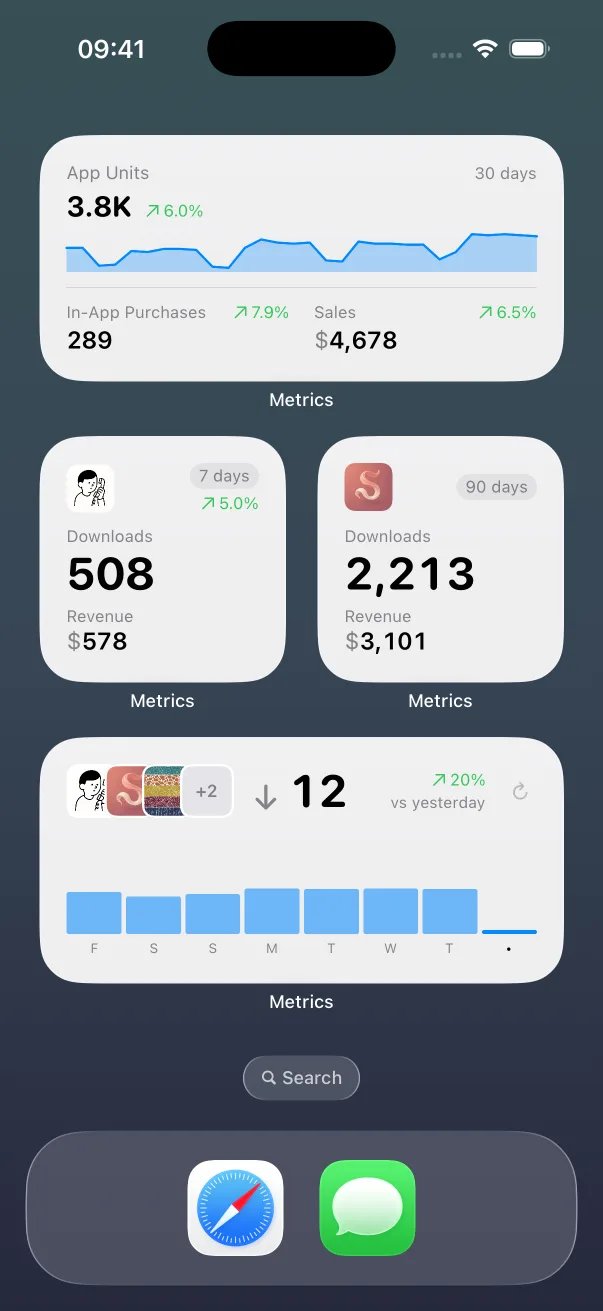
App Store numbers on your Home Screen and Lock Screen.

The Liquid Glass experience on every iOS version, back to iOS 13.
Guides: How to clear Xcode's DerivedData Build and run an iOS app from the command line All guides
Pitlane compared: Xcode alternatives Pitlane vs XcodeBuildMCP Pitlane vs SweetPad All comparisons