Apps of the Day
Apple Best New Apps
Product Hunt #1
by the same developer


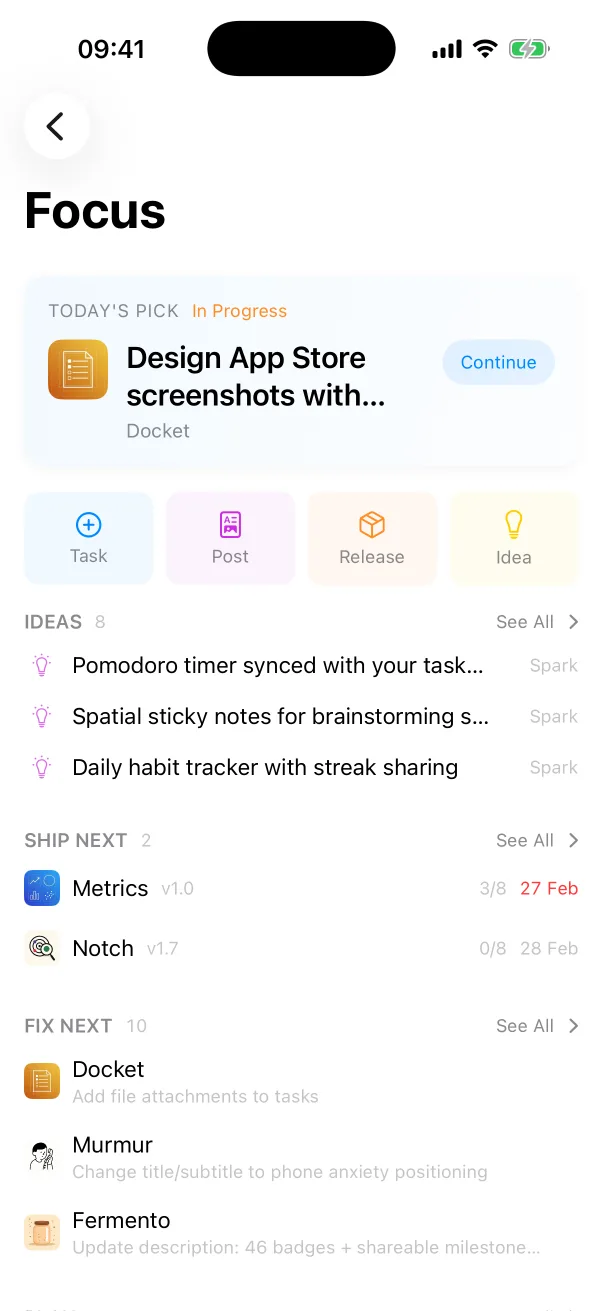
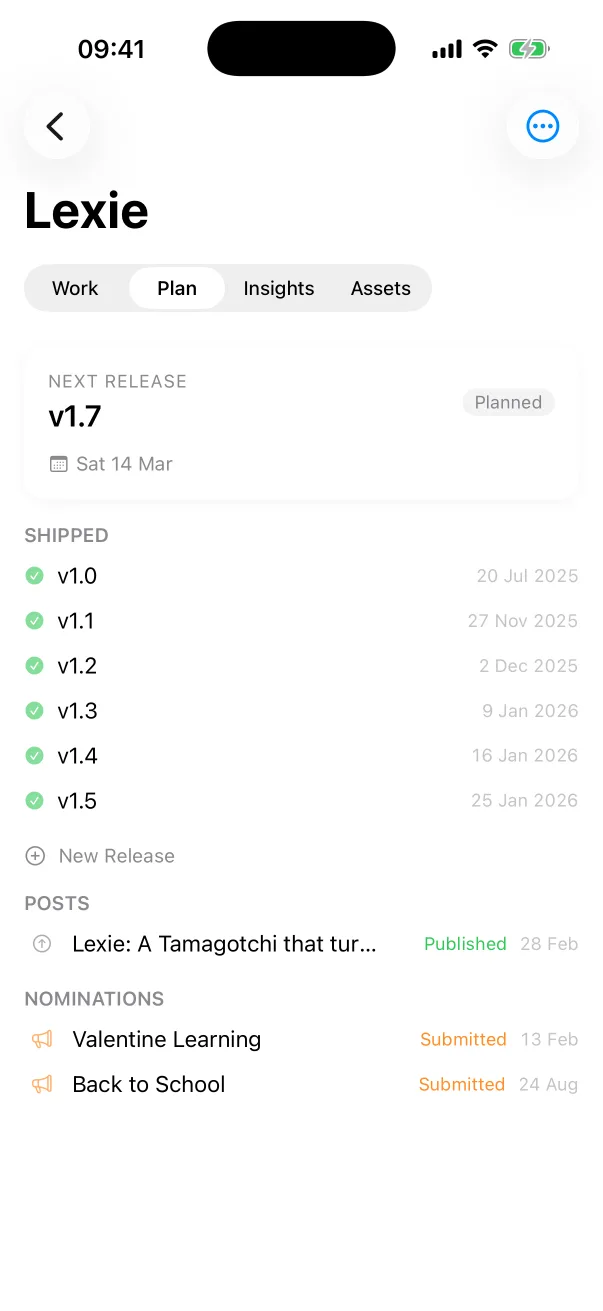
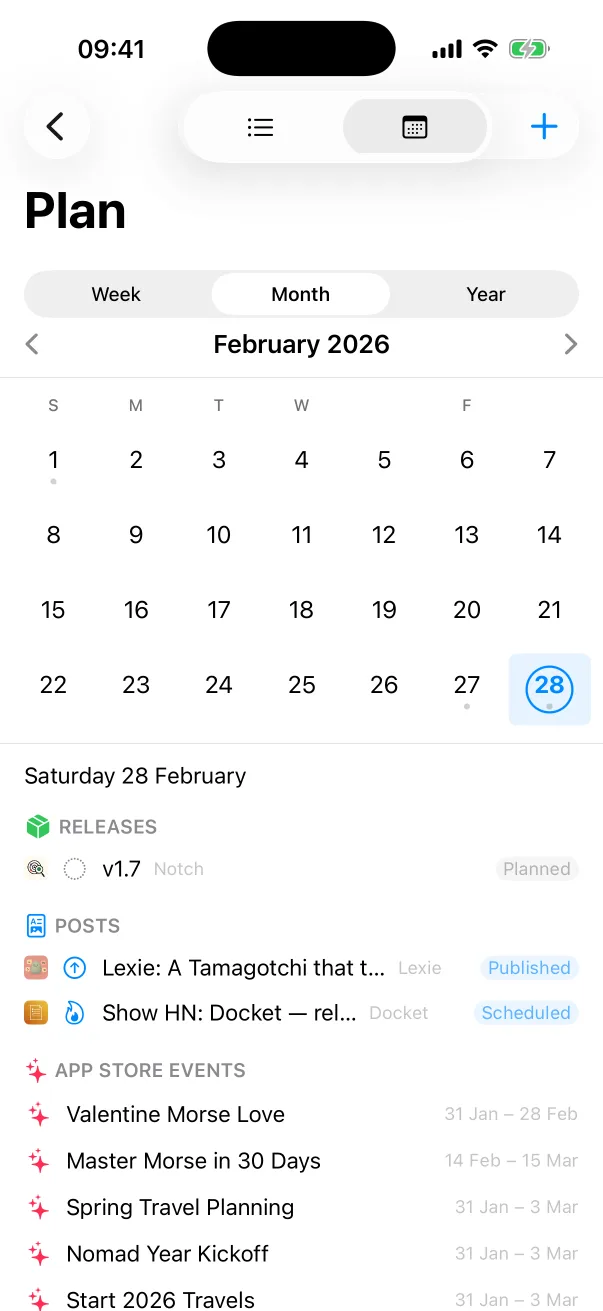
Docket
Tasks, releases and launches for every app you ship.

 One Dev Shop
- indie starter pack by Vadim Drobinin
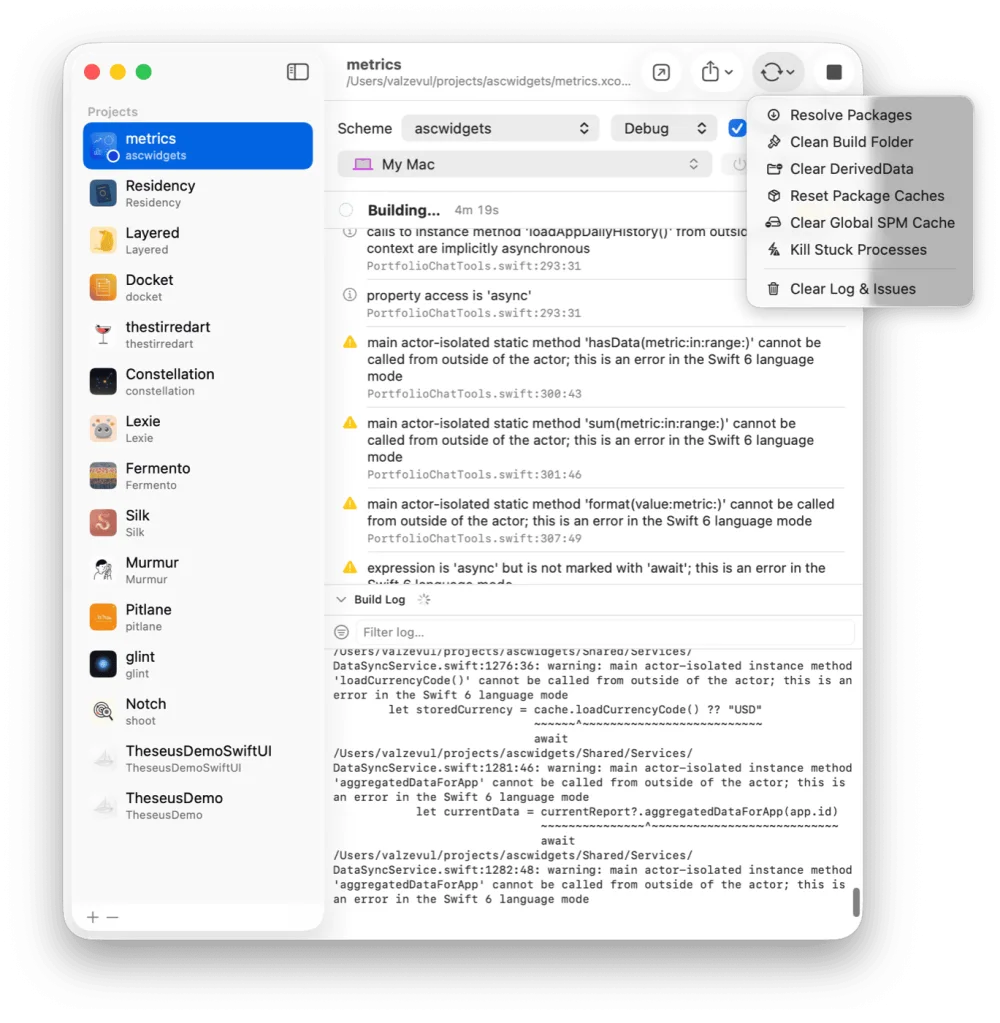
 PitlaneXcode replacement for indie developers
Six commands from a scheme name to a running app on the simulator.
You need Xcode installed. Run the commands from the folder that holds your project.
xcodebuild -list
xcodebuild -scheme MyApp -showdestinations
xcodebuild -scheme MyApp \
  -destination 'platform=iOS Simulator,name=iPhone 17 Pro' build
Add -quiet to print nothing except warnings and errors.
xcrun simctl boot "iPhone 17 Pro"
xcrun simctl list devices shows every simulator with its name and identifier.
The build lands in DerivedData, in a folder named after the configuration.
xcrun simctl install "iPhone 17 Pro" \
  ~/Library/Developer/Xcode/DerivedData/MyApp-*/Build/Products/Debug-iphonesimulator/MyApp.app
xcrun simctl launch --console "iPhone 17 Pro" com.example.MyApp
--console keeps the command attached and prints what the app writes to its output.
Pitlane runs these tools for you. Add a project once and it remembers the scheme, the configuration and the destination. Build and Run boots the simulator, installs the app and launches it, and the errors arrive as a list you can click.
An AI agent can drive the same loop over Pitlane's local API.
Run xcodebuild with a scheme and a destination, for example xcodebuild -scheme MyApp -destination 'platform=iOS Simulator,name=iPhone 17 Pro' build.
Boot the simulator with xcrun simctl boot, install the built app with xcrun simctl install, then start it with xcrun simctl launch and the app's bundle identifier.
Add -quiet to xcodebuild. It prints nothing except warnings and errors.
Pitlane
$29 once. One license covers two Macs.
Tasks, releases and launches for every app you ship.
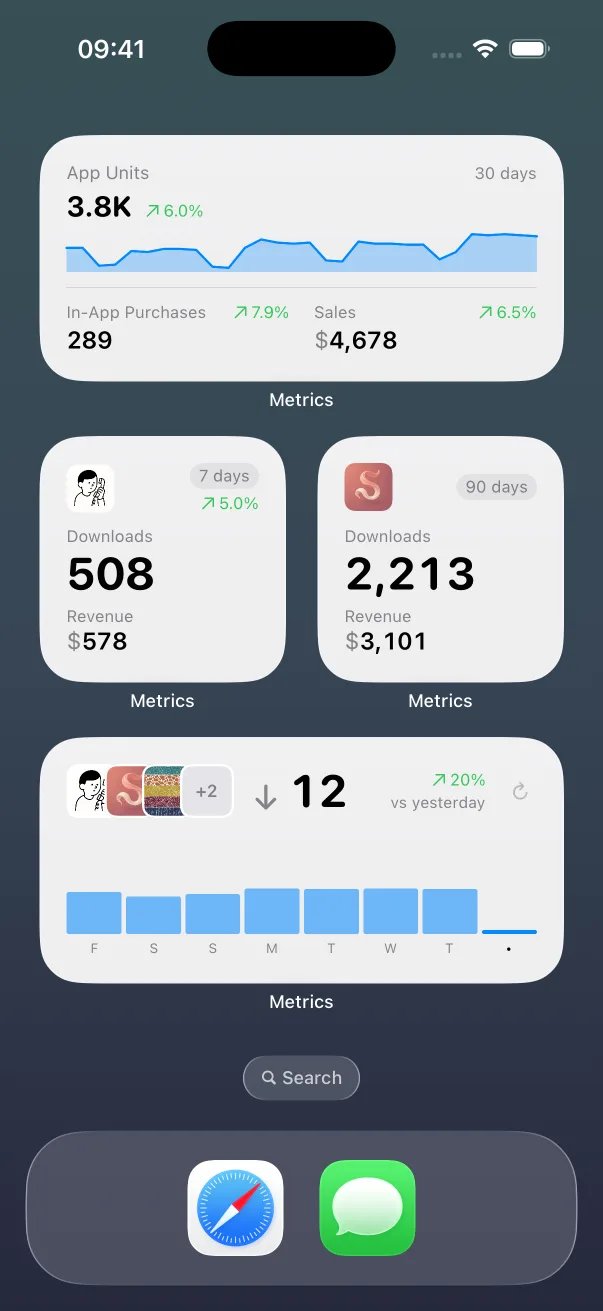
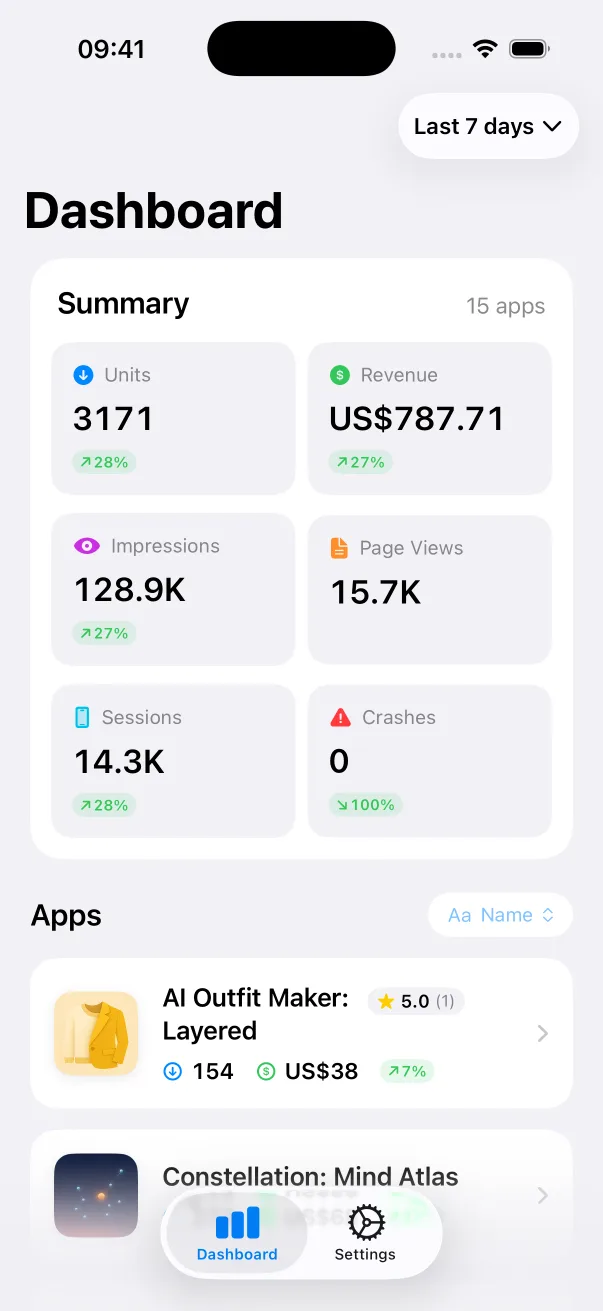
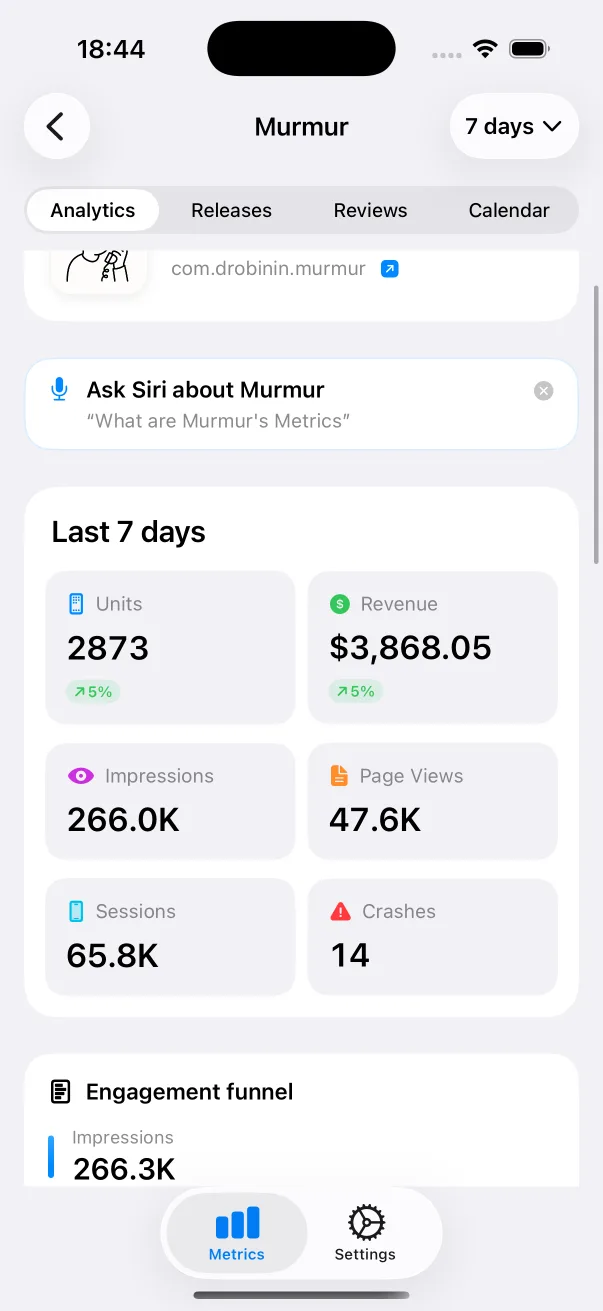
App Store numbers on your Home Screen and Lock Screen.

The Liquid Glass experience on every iOS version, back to iOS 13.
Guides: How to clear Xcode's DerivedData Build and run an iOS app from the command line All guides
Pitlane compared: Xcode alternatives Pitlane vs XcodeBuildMCP Pitlane vs SweetPad All comparisons