Apps of the Day
Apple Best New Apps
Product Hunt #1
by the same developer



Pitlane
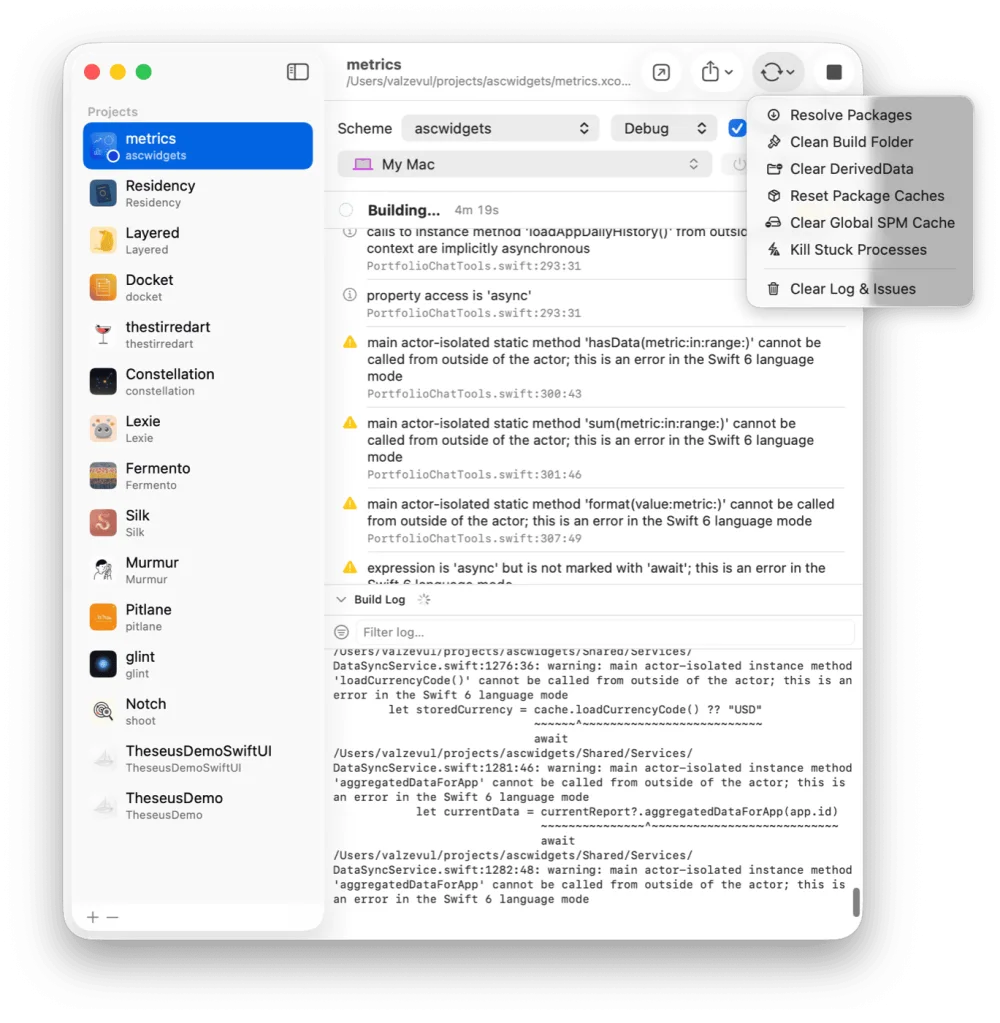
Build and run every iOS project from one window.
 One Dev Shop
- indie starter pack by Vadim Drobinin
 DocketRelease tracker for developers who ship alone
Docket has an MCP server and a CLI. Claude Code or Cursor reads your backlog, moves tasks along and checks a release without leaving the editor.


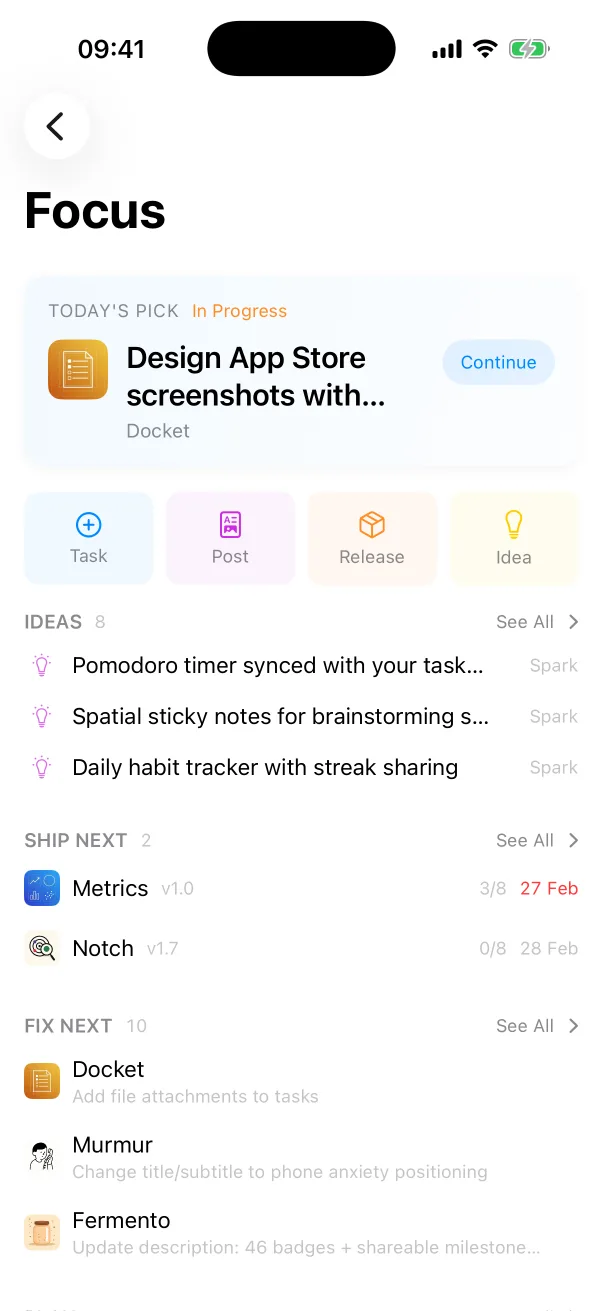
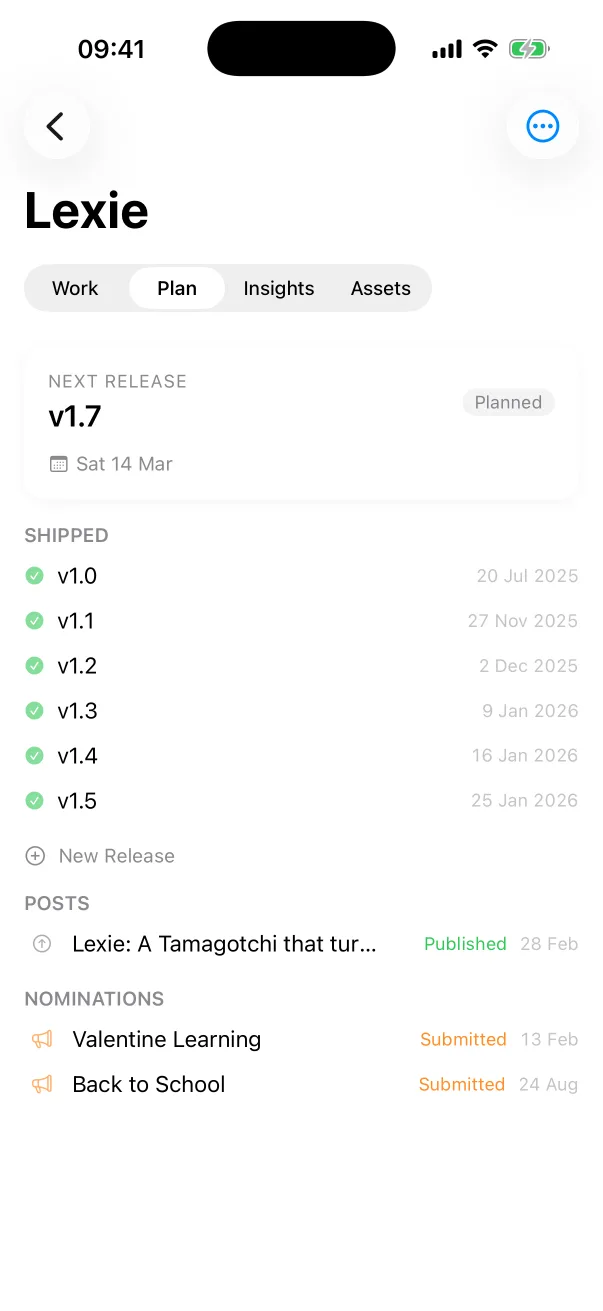
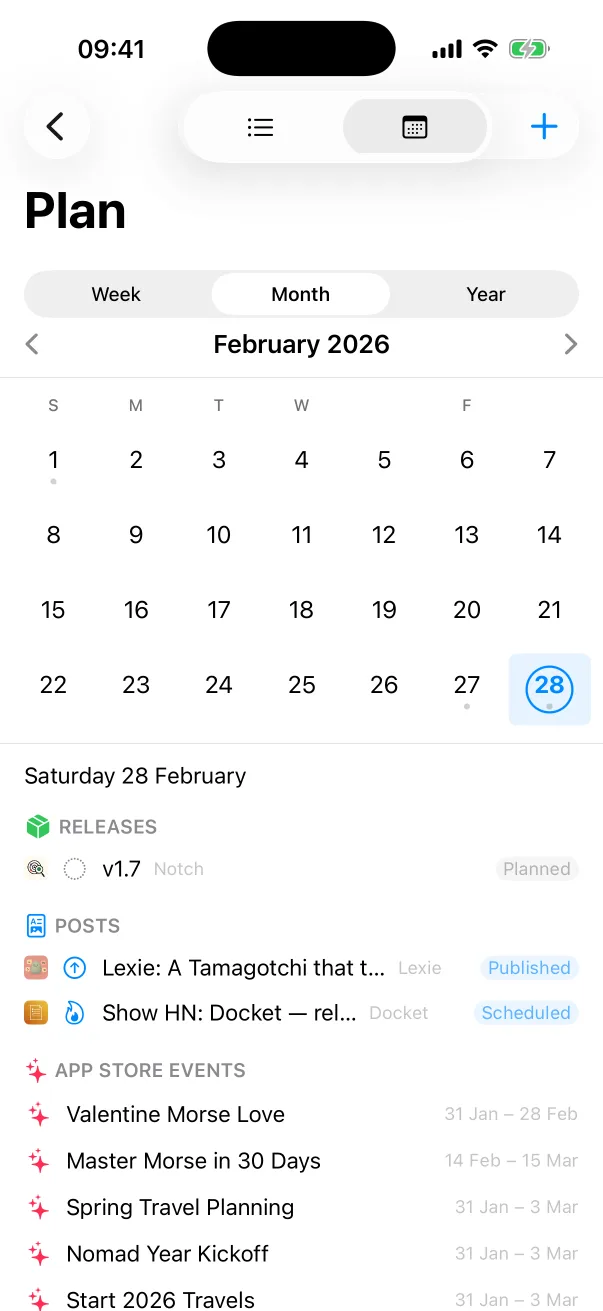
You plan in the app. The agent picks up the next task, marks it done and attaches the commit.
$ docket cli dashboard
# summary of projects, tasks, releases
$ docket cli tasks --flagged --overdue
$ docket cli create-task "Fix the onboarding crash" --flagged
$ docket cli create-release "2.1"
$ docket cli releases --json
Switch the server on in Docket's settings and pick read-only or read-write. In read-only mode an agent can look at everything and change nothing.
Commands print plain text, or raw JSON with --json, so they fit git hooks and scripts.
$ docket cli dashboard
# summary of projects, tasks, releases
$ docket cli tasks --flagged --overdue
$ docket cli create-task "Fix the onboarding crash" --flagged
$ docket cli create-release "2.1"
$ docket cli releases --json
Docket is one. Its MCP server lets Claude Code, Cursor or another client read tasks, create and update them, check releases and nominations, and attach a commit to the task it closes.
Yes. The MCP server and CLI have a read-only mode. In it an agent can list and read, and every write is refused.
The same data from a terminal: useful in git hooks and CI scripts, or to add a task without opening the app.
The MCP server and the CLI are part of Docket Pro. Docket itself is free to use with one project.
Docket
Docket is on the App Store, for Mac, iPhone and iPad.
Build and run every iOS project from one window.
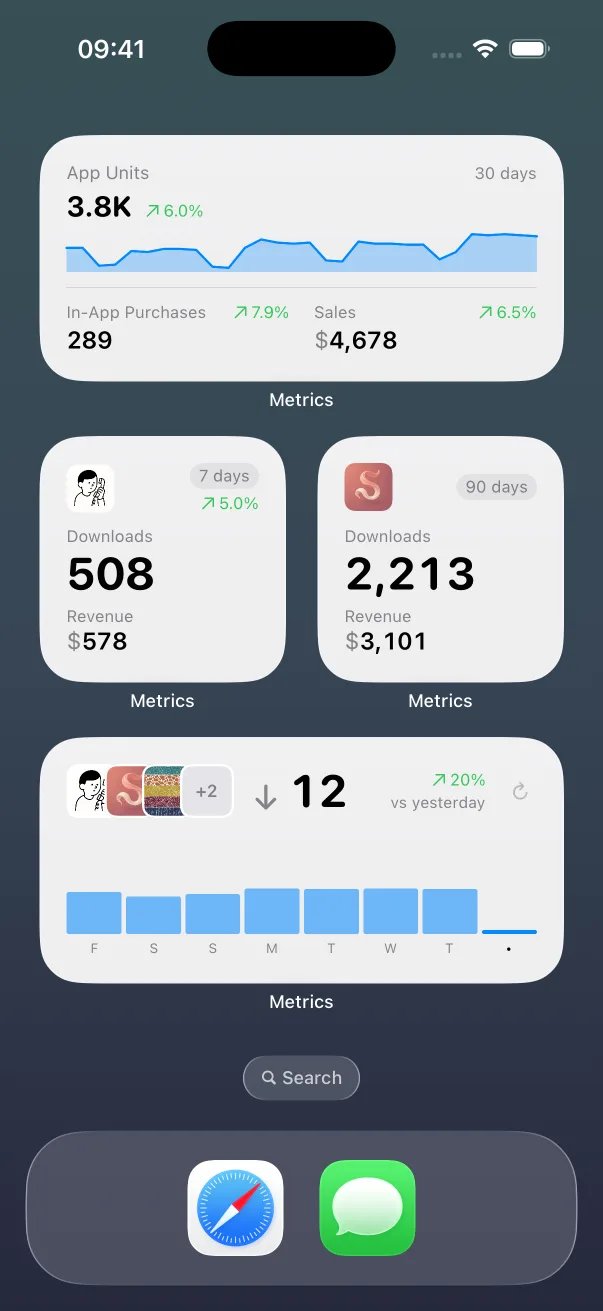
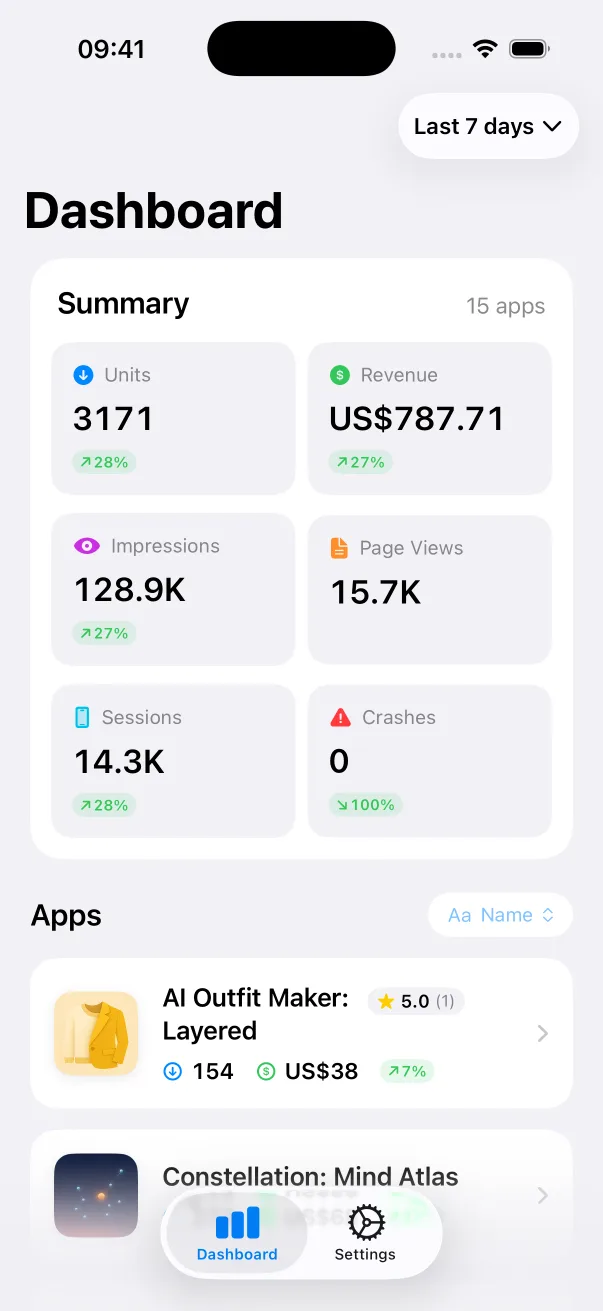
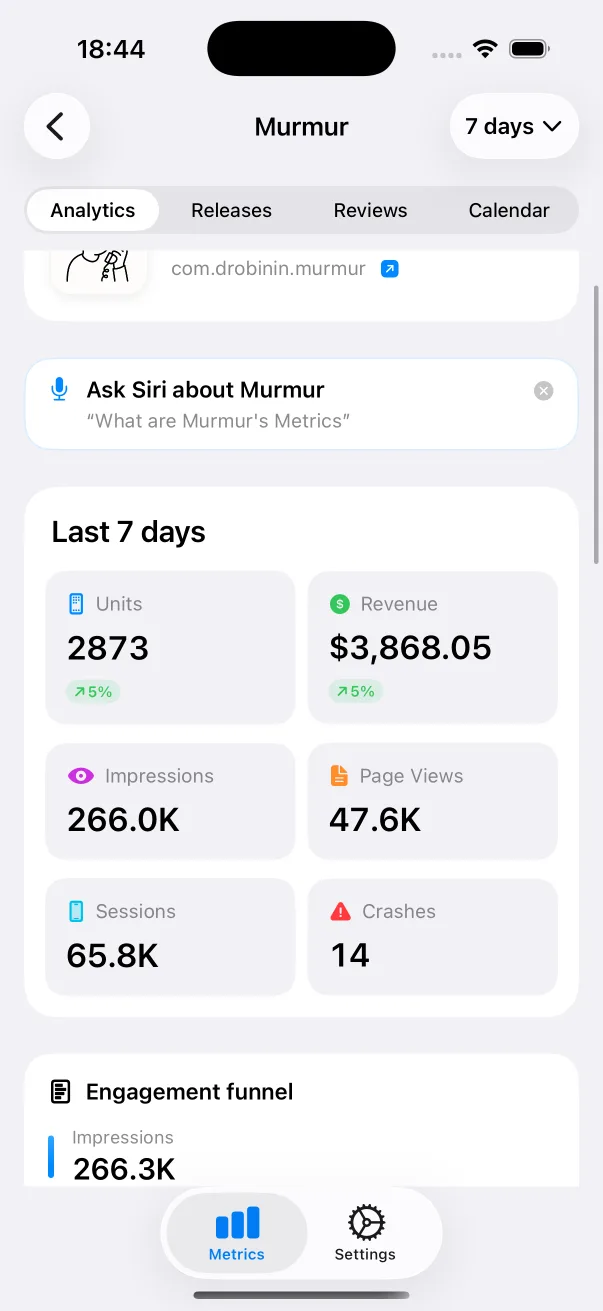
App Store numbers on your Home Screen and Lock Screen.

The Liquid Glass experience on every iOS version, back to iOS 13.
Guides: How to nominate your app for App Store featuring All guides
Docket compared: Linear alternatives Trello alternatives Docket vs Jira All comparisons