Apps of the Day
Apple Best New Apps
Product Hunt #1
by the same developer



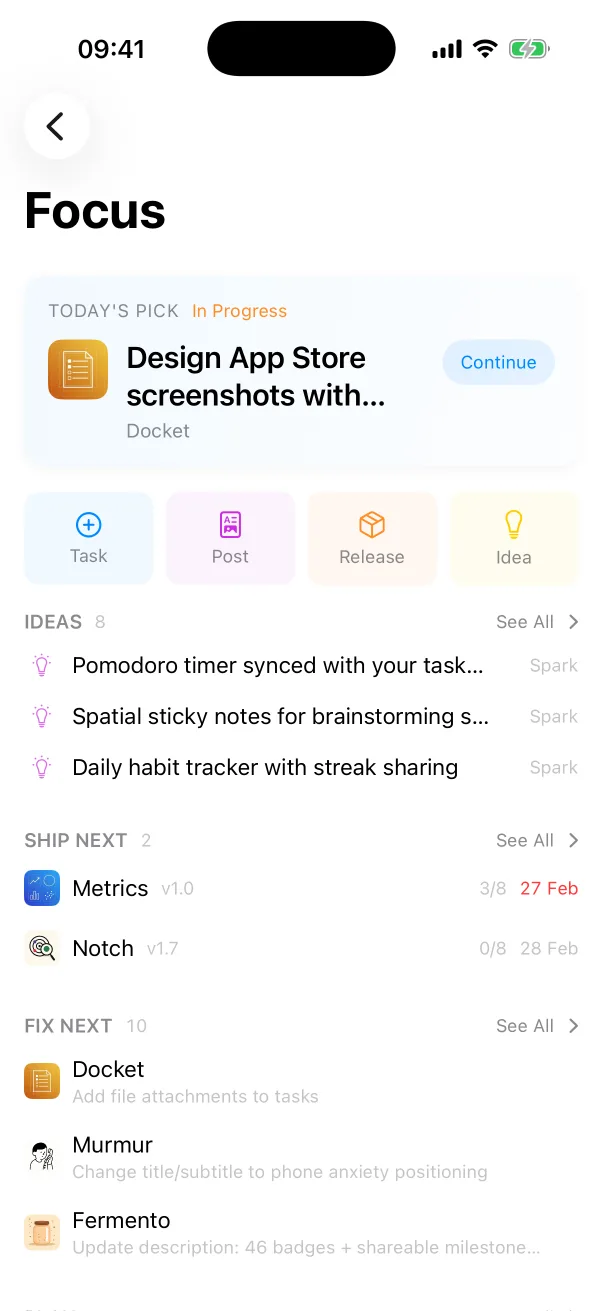
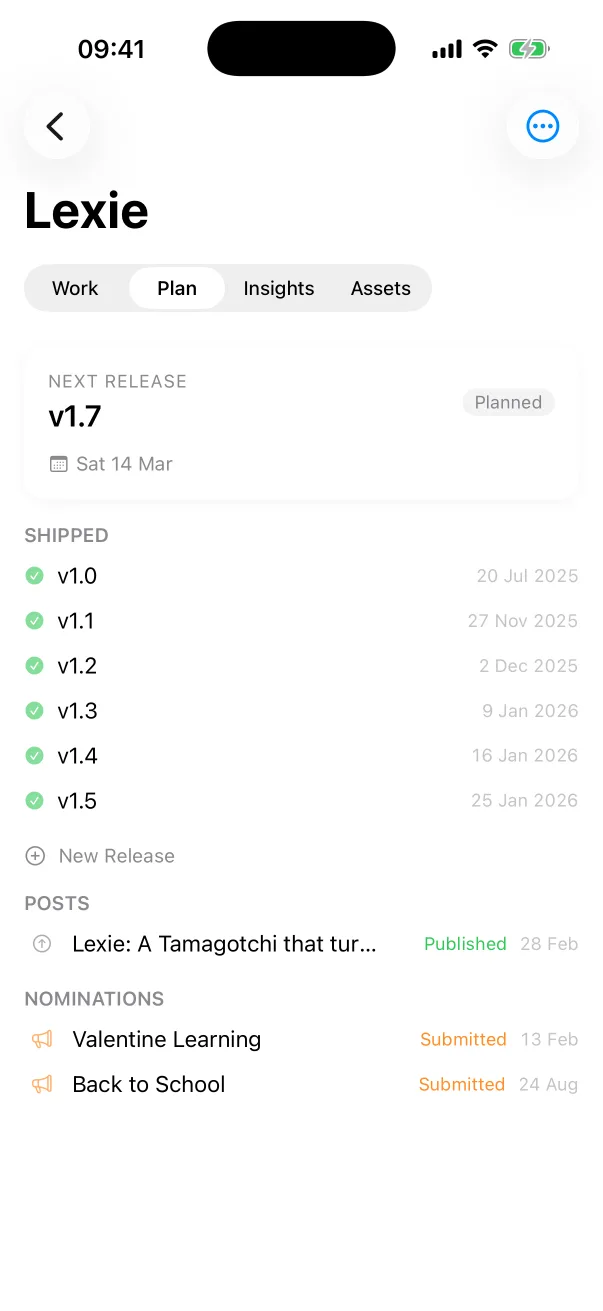
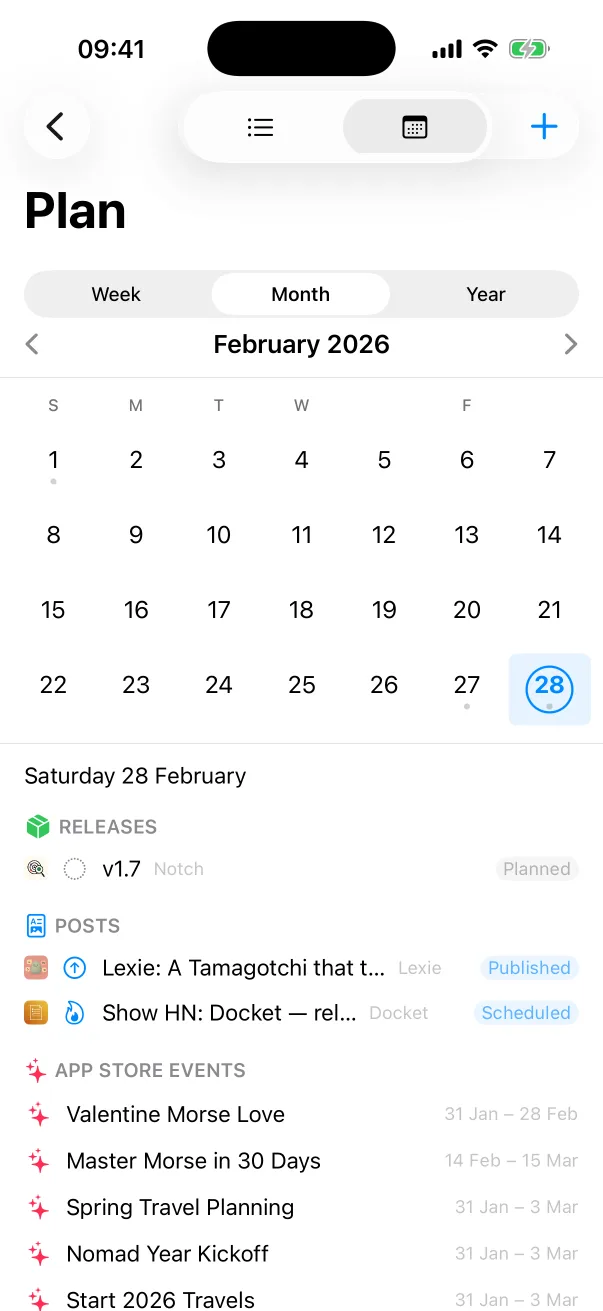
Docket
Tasks, releases and launches for every app you ship.

 One Dev Shop
- indie starter pack by Vadim Drobinin
 PitlaneXcode replacement for indie developers
Pitlane serves a local API while it runs. Your agent starts the build, reads the parsed errors, fixes them and builds again.
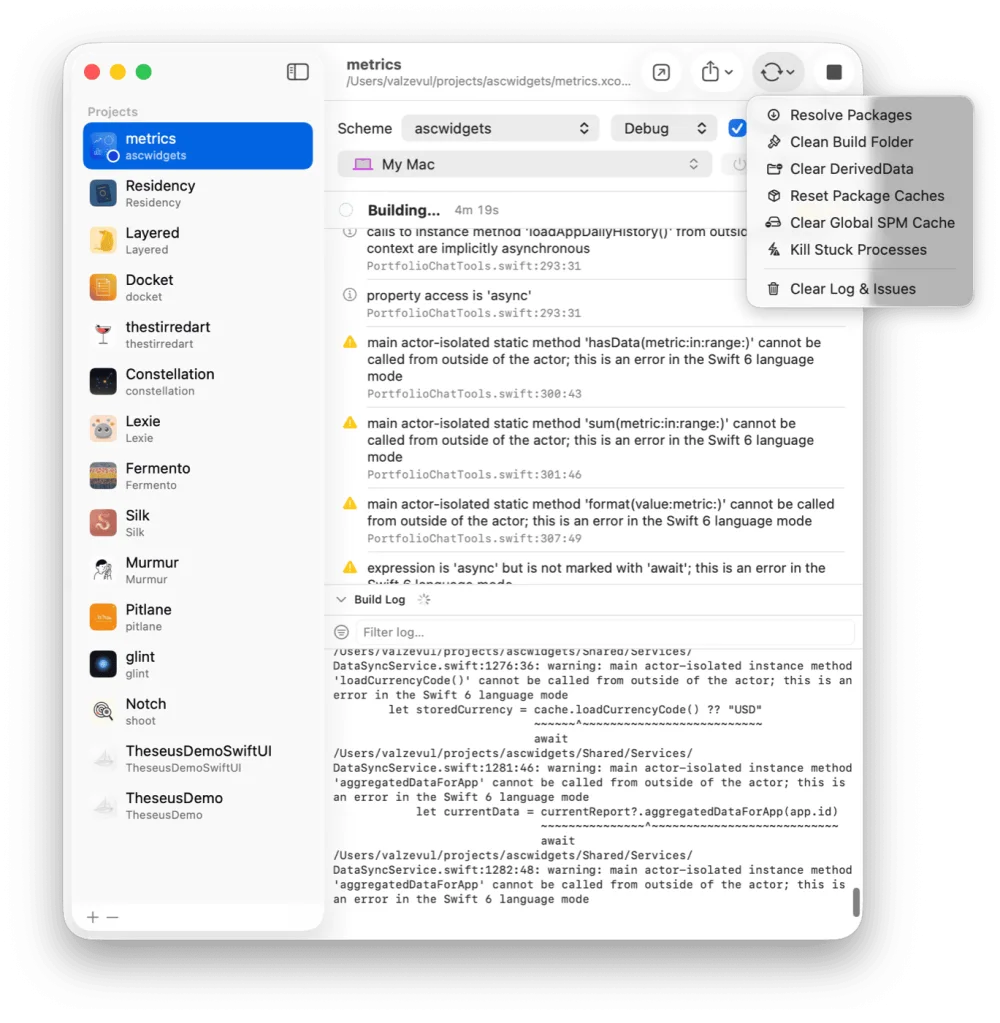
The agent gets the same data the window shows: each project's build state, its error and warning counts, and every parsed issue with its file and line. That is enough to fix the code and build again without you relaying compiler output.
$ curl 127.0.0.1:4747/status
# host RAM, every simulator with its memory, every project
$ curl -X POST "127.0.0.1:4747/projects/MyApp/run?wait=true"
# build and run, return once it is running or has failed
$ curl 127.0.0.1:4747/projects/MyApp
# one project, with every parsed error and warning
GET /statusHost RAM, every simulator with its memory, every project with its build stateGET /projects/{name}One project, with every parsed error and warningGET /projects/{name}/logThe tail of the last build or run log, as plain textPOST /projects/{name}/buildBuild, with an optional destination: a simulator name, a device id or the MacPOST /projects/{name}/runBuild and run. Add ?wait=true to return once it is running or has failedPOST /projects/{name}/stopStop the build, or the running appPOST /projects/{name}/reduce-memorySwitch off the background services that simulator's apps do not needPOST /projects/{name}/restore-servicesSwitch them back onThe name is the project's name, in any letter case, or its id. A project that is already building answers 409, and a lapsed trial or license answers 402.
The API goes through the same actions as the window, license check included. Whatever the agent starts, you see in Pitlane: the build state, the log, the issue list, the simulator's memory.
The API is bound to the loopback interface, so nothing on the network can reach it. Settings has one switch that turns it off.
Yes. With Pitlane running, Claude Code calls a local HTTP API with curl: it starts a build, waits for the result, reads the parsed errors and warnings, and launches the app on a simulator or a cabled iPhone.
Yes. The API is plain HTTP on 127.0.0.1, so any agent or script that can make a request can use it.
No. It is bound to the loopback interface, so only software on your own Mac can call it. One switch in Settings turns it off.
No. Pitlane's API is HTTP, and curl 127.0.0.1:4747/ prints the routes, which is enough for an agent to learn it.
Pitlane
$29 once. One license covers two Macs.
Tasks, releases and launches for every app you ship.
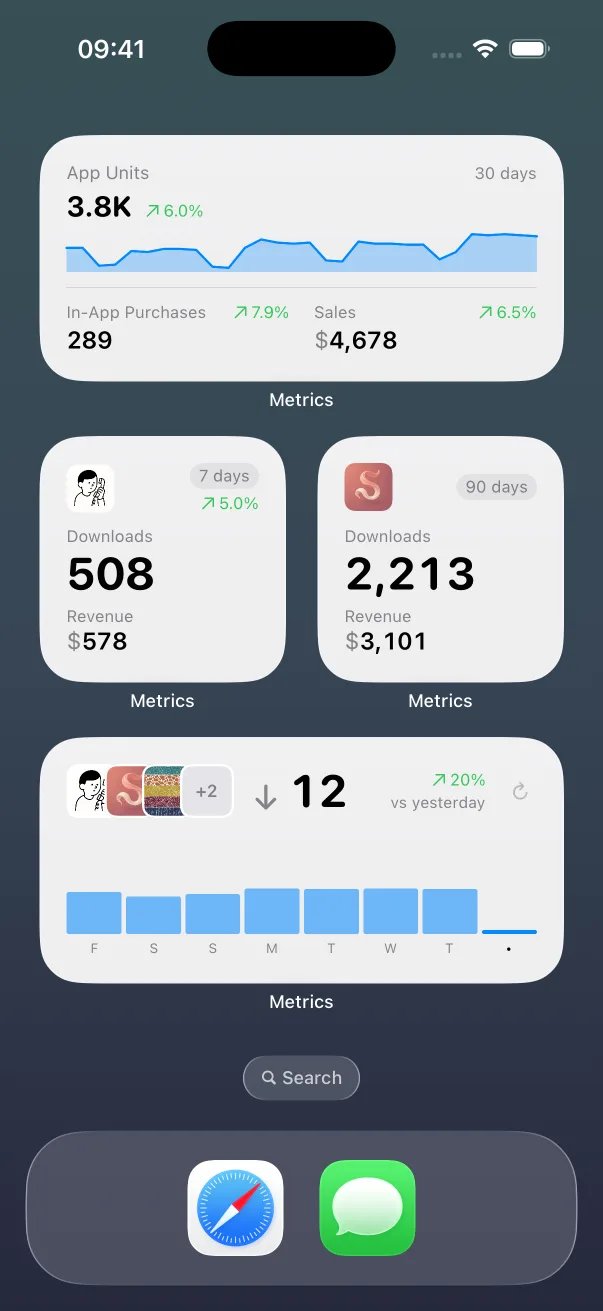
App Store numbers on your Home Screen and Lock Screen.

The Liquid Glass experience on every iOS version, back to iOS 13.
Guides: How to clear Xcode's DerivedData Build and run an iOS app from the command line All guides
Pitlane compared: Xcode alternatives Pitlane vs XcodeBuildMCP Pitlane vs SweetPad All comparisons