Apps of the Day
Apple Best New Apps
Product Hunt #1
by the same developer



Pitlane
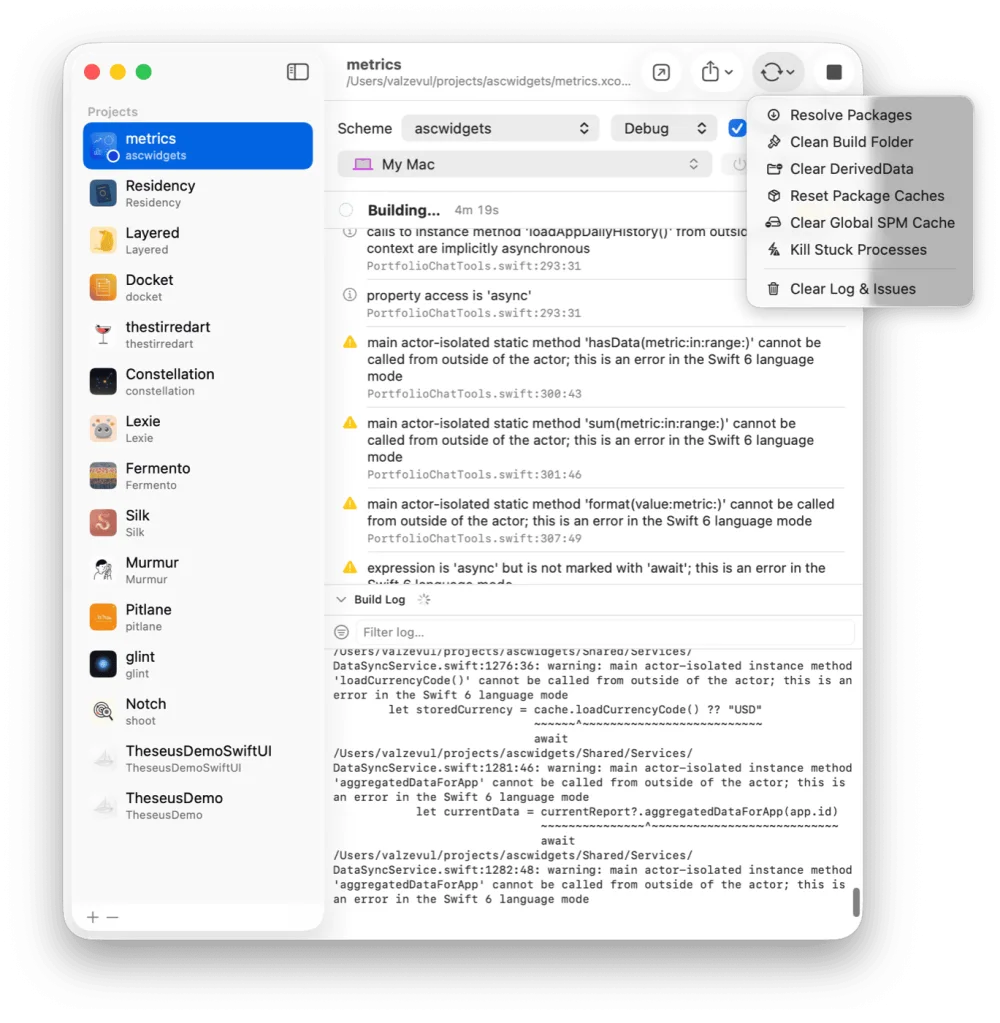
Build and run every iOS project from one window.
 One Dev Shop
- indie starter pack by Vadim Drobinin
 DocketRelease tracker for developers who ship alone
The seven-day schedule, who gets the update each day, and how to pause it or release to everyone.


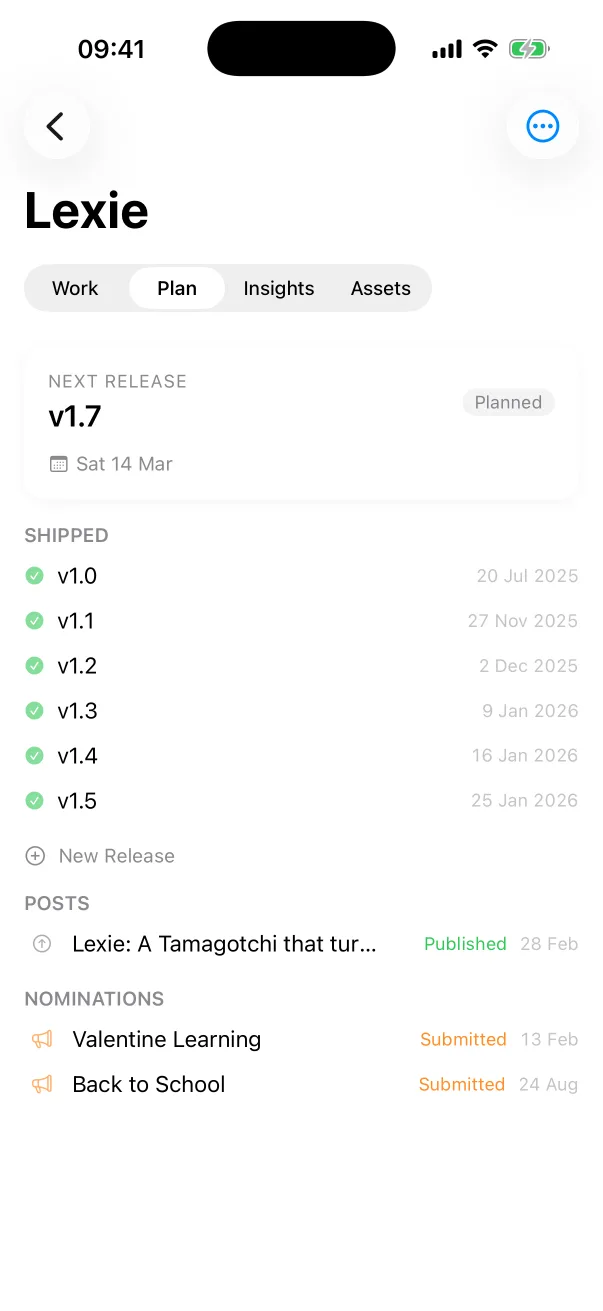
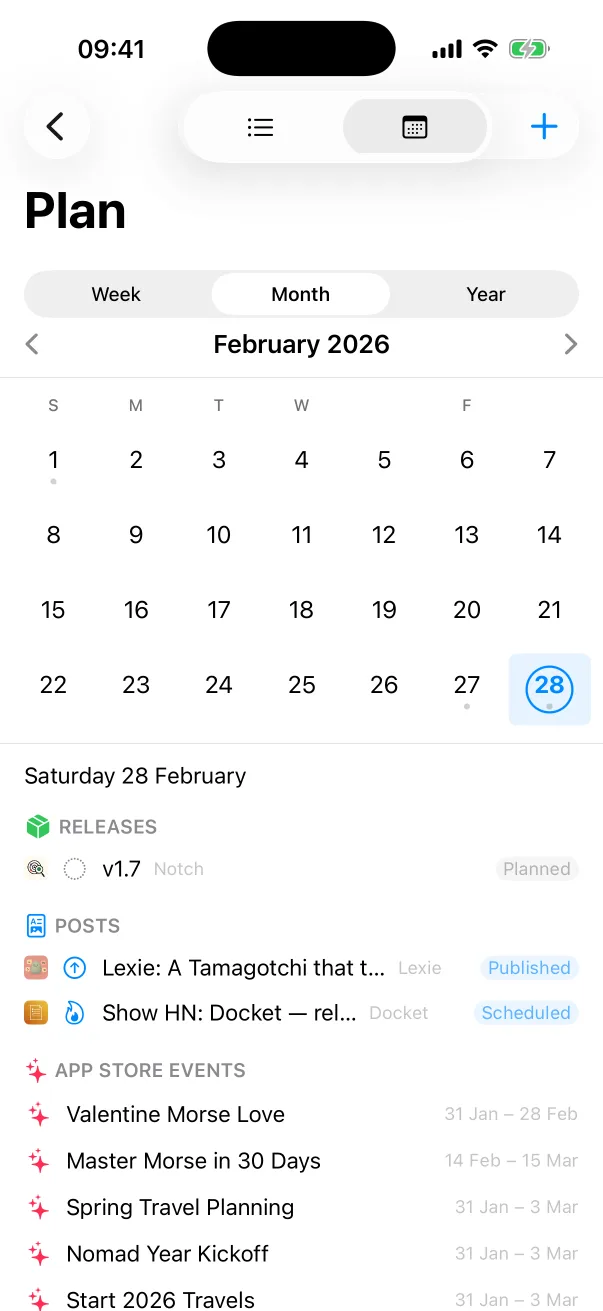
A phased release sends a version update to people with automatic updates in stages, over seven days. The people who get it are a random sample, and nobody is told they are in it.
It is for updates, on iOS, macOS and tvOS. Anyone can still download the update by hand from the App Store at any time.
You need to be the Account Holder, or have the Admin or App Manager role.
After approval the version shows as Ready for Distribution, with Phased Release next to the status.
Open the Ready for Distribution version, go to the same section and select Pause Phased Release. To carry on, select Use Phased Release and save.
You can pause for a total of 30 days, as many times as you like. Apple's example: pause for 10 days, resume, and 20 days of pausing are left. A resumed release picks up on the day it stopped.
Once the version is Ready for Distribution, Release to All Users at the top right ends the phases. Everyone with automatic updates then gets the version.
Removing the app from sale stops the phased release, and it cannot be used again for that version. Apple counts a lapsed Apple Developer Program membership as removal. When the app is back, the version goes to all users at once.
When the version goes out is a separate choice. Apple offers three: release it yourself, release it automatically after approval, or release it automatically no earlier than a date and time you set.
If you release it yourself, Apple says it may take up to 24 hours to appear on the App Store.
A phased release takes a week, and longer when you pause it. Docket shows your releases on one calendar, and every version carries the same pre-ship checklist.
Facts follow Apple's help pages, read on 11 November 2026: Release a version update in phases and Select an App Store version release option.
1% of users with automatic updates on day one, then 2%, 5%, 10%, 20%, 50% and 100% on day seven.
Yes. Apple says anyone can download the update manually from the App Store at any time.
For a total of 30 days, with no limit on the number of pauses. A resumed release picks up on the day it stopped.
Yes. Once the version is Ready for Distribution, click Release to All Users in App Store Connect.
Docket
Docket is on the App Store, for Mac, iPhone and iPad.
Build and run every iOS project from one window.
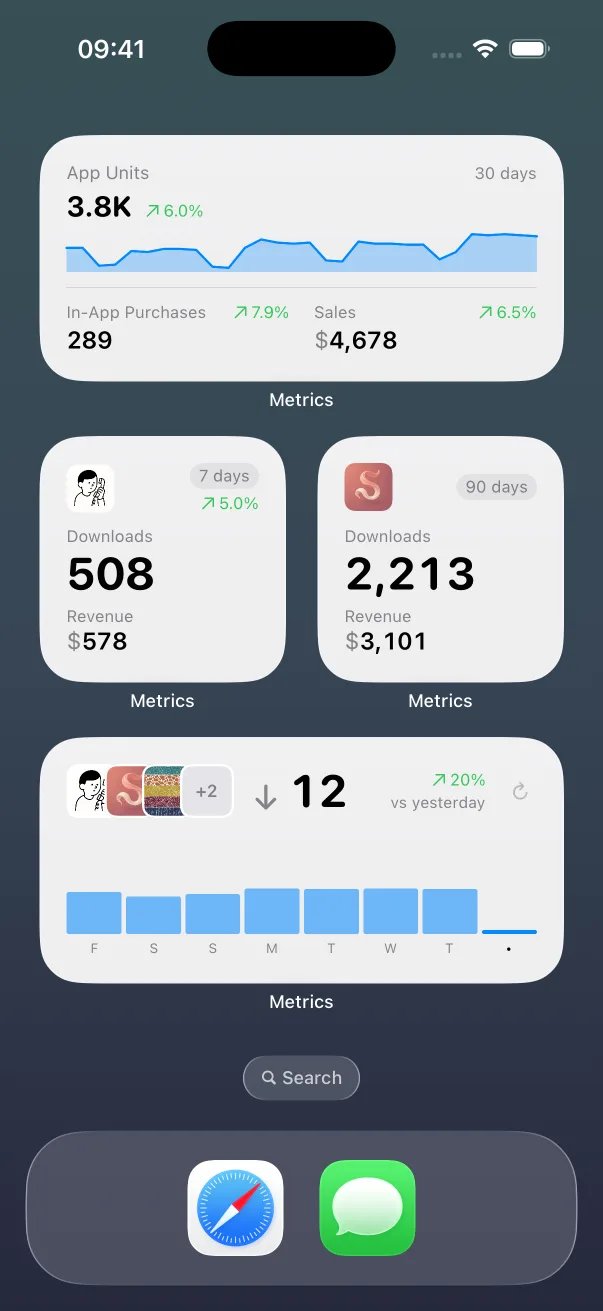
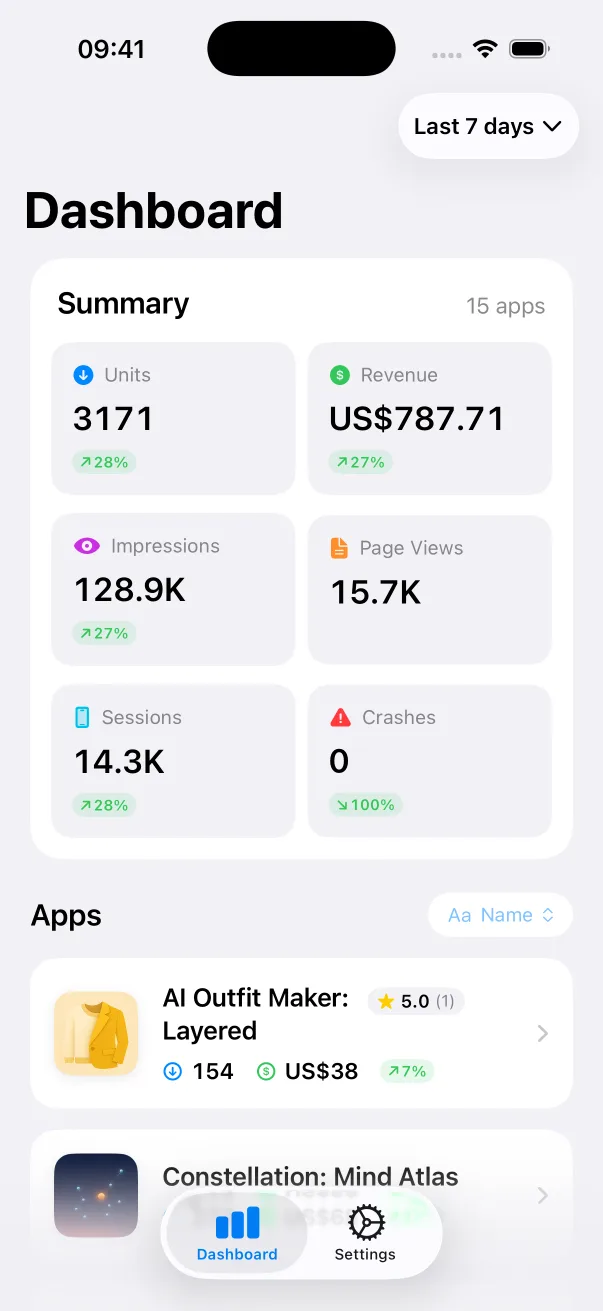
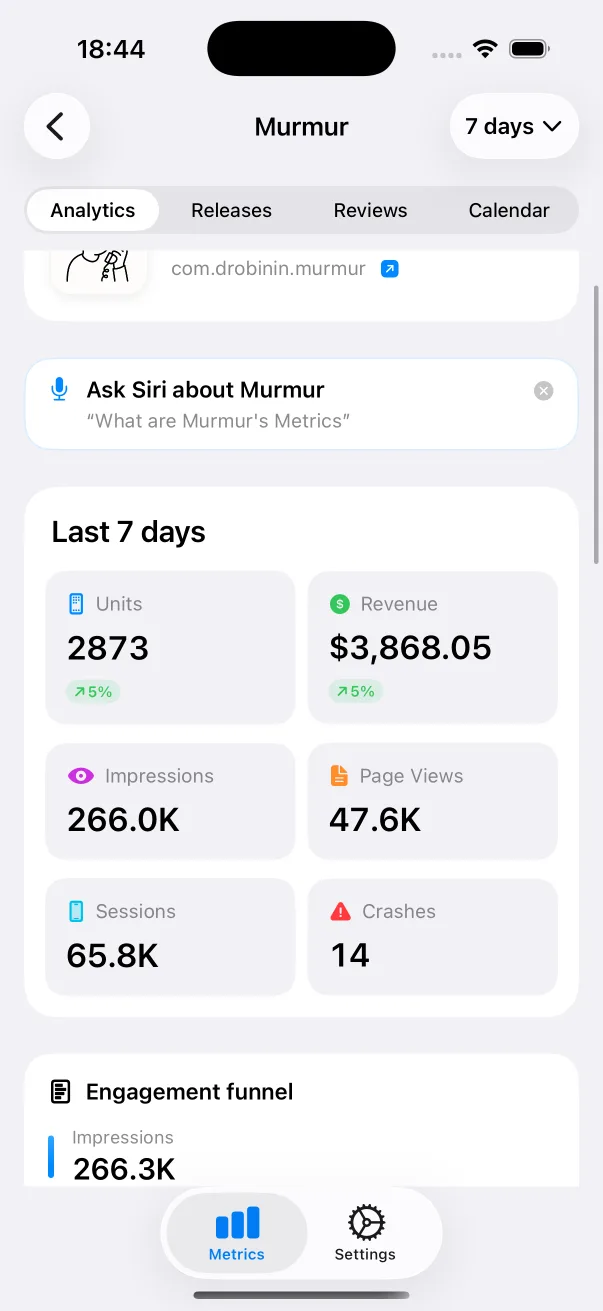
App Store numbers on your Home Screen and Lock Screen.

The Liquid Glass experience on every iOS version, back to iOS 13.
Guides: How to nominate your app for App Store featuring How App Store phased release works All guides
Docket compared: Linear alternatives Trello alternatives Docket vs Jira All comparisons