 One Dev Shop
Compared
Best task trackers for solo developers
Trackers a developer working alone might pick, compared by who each is built for, how it handles a release and how you pay.
 Our pickDocket is the one we make, built for one developer shipping several apps.


 Apps of the Day
Apple Best New Apps
Product Hunt #1
by the same developer
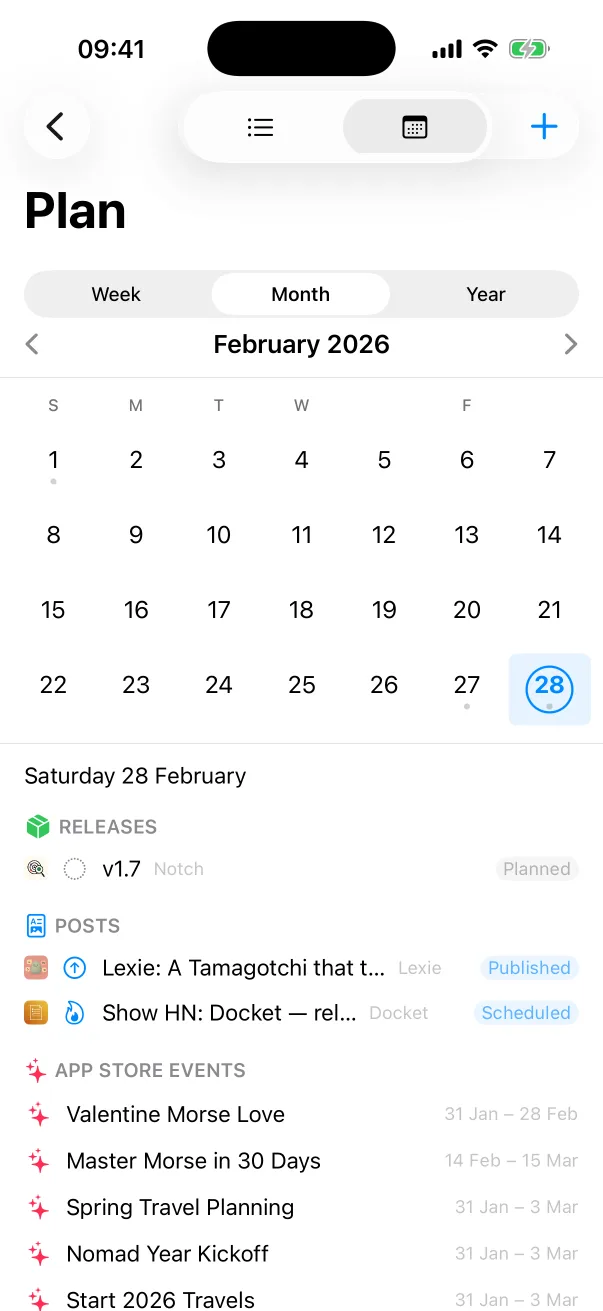
Docket on iPhone


Facts checked on 11 November 2026.
How we compared them
We read each one's own site and App Store page on 11 November 2026 and compared who it is built for, where it runs and how you pay. We make Docket, so it is listed first.
4 task trackers for solo developers
-
Docket our pick
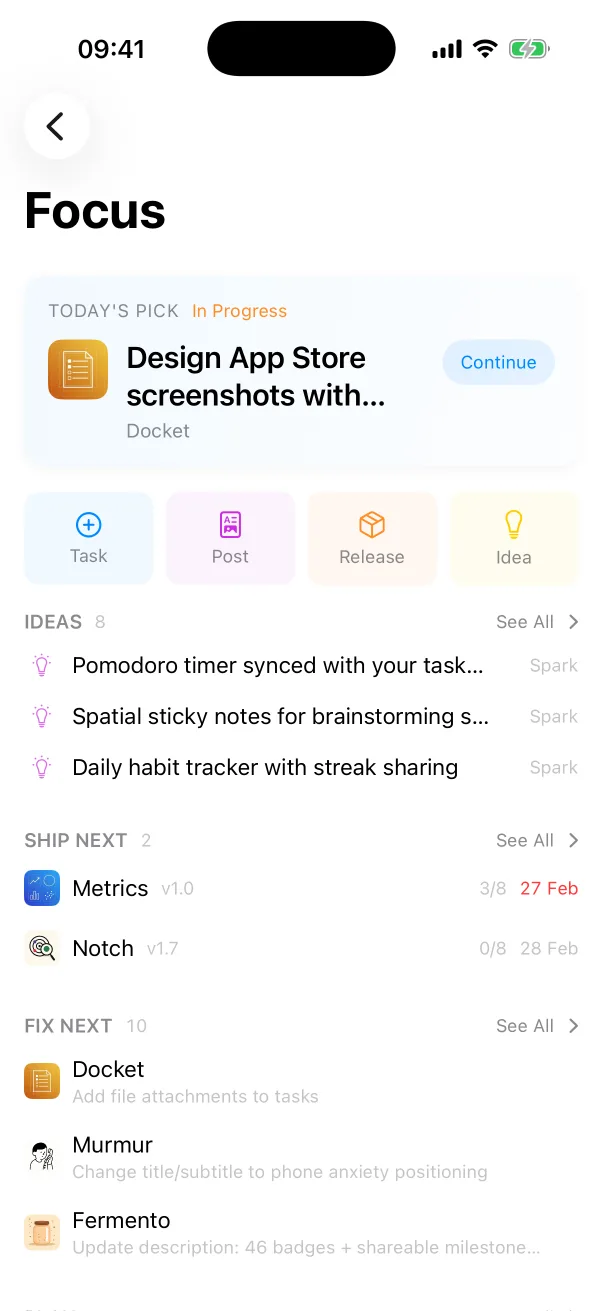
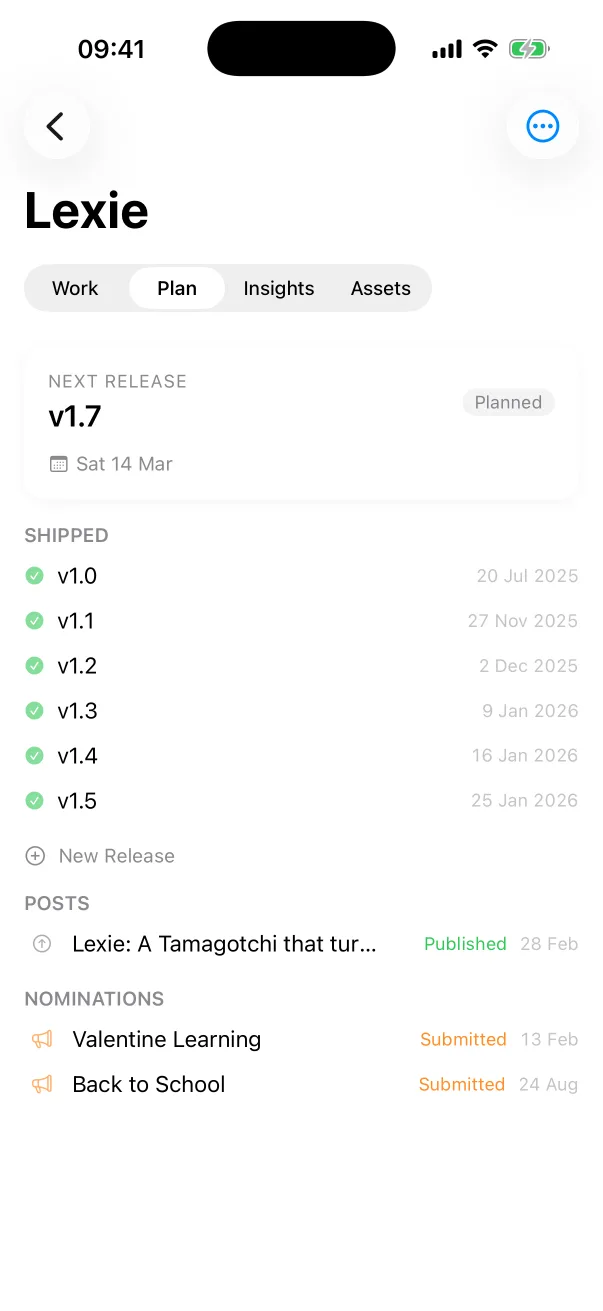
Docket is a release tracker for developers who ship their own apps. It keeps tasks, releases with a pre-ship checklist, a launch calendar and app ideas for every project, syncs with App Store Connect, and includes an MCP server and a CLI for coding agents.
Built for: one developer shipping several apps. How you pay: free with one project; Docket Pro is a subscription for unlimited projects, iCloud sync, and the MCP server and CLI.
-
Linear
Linear is a product development system for teams and agents. It plans and tracks issues, projects, cycles and roadmaps, runs its own agents, and has an MCP server for clients such as Claude and Cursor. Linear Mobile is a companion to the desktop app.
Built for: product teams that plan and build software together. How you pay: a free plan capped at 250 issues and two teams; paid plans are billed per user.
-
Trello
Trello is a task tracker built on boards, lists and cards. It has an inbox that captures to-dos from email and chat, a planner tied to your calendar, automation, integrations called Power-Ups, and an MCP server for AI tools.
Built for: individuals and teams organising any kind of work on boards. How you pay: a free plan for individuals and small teams; unlimited boards, AI features and more automation need a paid plan billed per user.
-
Jira
Jira is Atlassian's project management software for teams, from engineering to marketing. It plans and tracks work with roadmaps, reports, forms and approvals, and connects coding agents through an MCP server and a CLI.
Built for: teams and organisations that plan and track work together. How you pay: a free plan, with Standard, Premium and Enterprise plans above it.
At a glance
| App | Built for | Where it runs | How you pay |
|---|---|---|---|
| Docket | one developer shipping several apps | Mac, iPhone and iPad, as a native app | free with one project; Docket Pro is a subscription for unlimited projects, iCloud sync, and the MCP server and CLI |
| Linear | product teams that plan and build software together | a desktop app with a mobile companion, signed in to a Linear account | a free plan capped at 250 issues and two teams; paid plans are billed per user |
| Trello | individuals and teams organising any kind of work on boards | web, desktop and mobile apps | a free plan for individuals and small teams; unlimited boards, AI features and more automation need a paid plan billed per user |
| Jira | teams and organisations that plan and track work together | the cloud, with a mobile app for iPhone and iPad | a free plan, with Standard, Premium and Enterprise plans above it |
How to choose
Start with how many people use it. A tracker built for a team asks you to keep workspaces, roles and cycles for an audience of one. If you ship your own apps, pick the one that already knows what a release, a nomination and an in-app event are. That is Docket.
Questions
What are the best task trackers for solo developers?
Docket, if you want tasks, releases and launches for all your own apps in one native app. The others we compared are Linear, Trello and Jira.
Who is Docket built for?
Docket is built for one developer shipping several apps.
How did you compare them?
We read each one's own site and App Store page on 11 November 2026 and compared who it is built for, where it runs and how you pay. We make Docket, so it is listed first.
More comparisons
We make Docket. What we say about the other apps comes from their own pages, read on 11 November 2026: Linear's own site and pricing page, Trello's own site and pricing page, Jira's own site. Spotted a mistake? Write to support@onedevshop.com. We are not affiliated with any of them.
Docket
Built by an indie developer, for indie developers
Docket is on the App Store, for Mac, iPhone and iPad.